Computer maintenance Melbourne services stop the slow decline every computer suffers over time. Many computers show noticeable performance improvements after a professional tune-up, particularly when unnecessary software is removed and maintenance has been neglected.
Professional computer maintenance covers specific tasks, costs $168 per hour onsite, and works best when booked on a regular schedule.
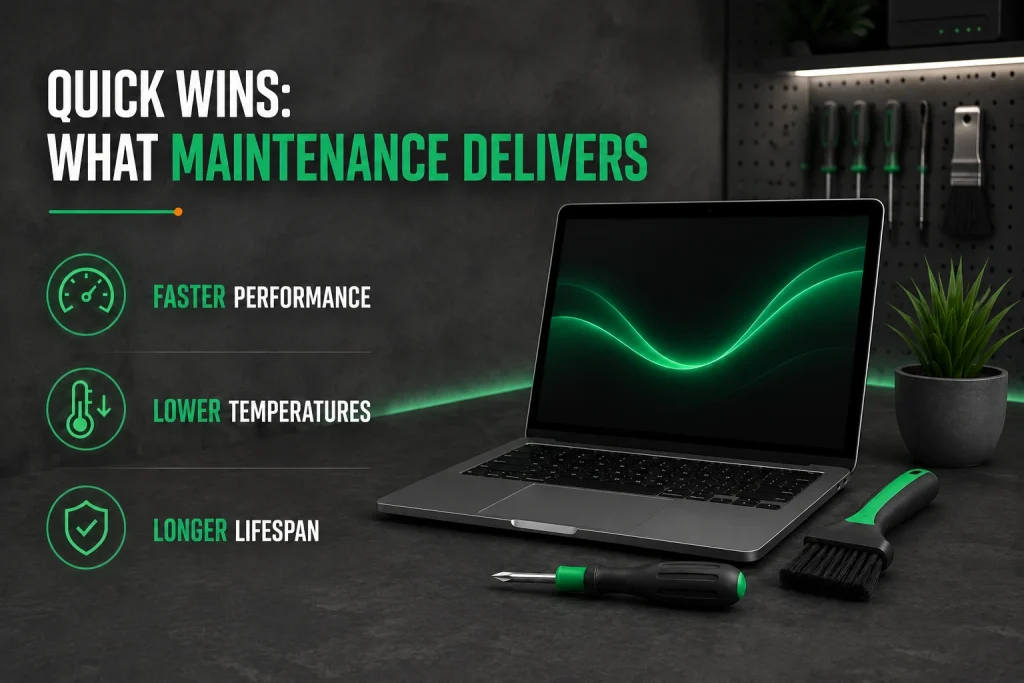
Quick Wins: What Maintenance Delivers
- Computer maintenance Melbourne services help most computers boot 3 to 5 times faster after a proper tune-up, resolving slow startups, lagging apps, and overheating during the first visit.
- Professional internal cleaning reduces component temperatures by 5 to 15 degrees, preventing the thermal throttling that silently slows your computer over time.
- Regular maintenance extends computer lifespan by 2 to 3 years, with the service costing far less than a single emergency repair or data recovery from a failed drive.
What Can You Expect From Professional Computer Maintenance?
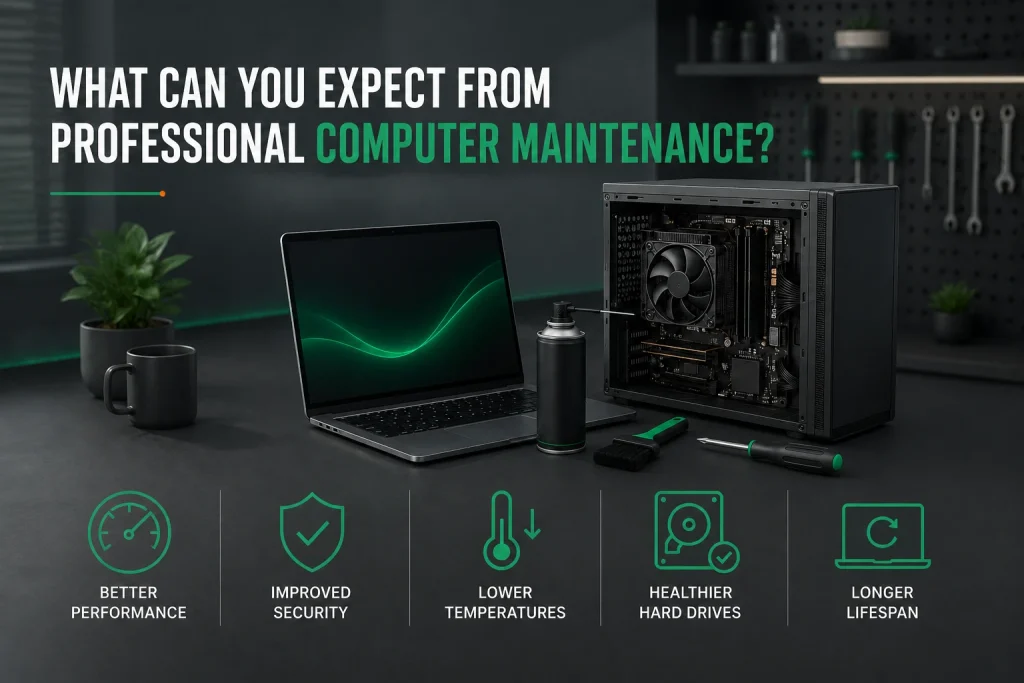
A computer technician opens your desktop PC or laptop and clears dust from fans and heatsinks. They remove unwanted programs and outdated software that drag performance down. Operating system updates get applied and security software is checked.
The service takes 1 to 2 hours. Same day service is available on site across Melbourne including Melbourne CBD, St Kilda, Port Melbourne, Glen Waverley, and greater Melbourne. Computer repair services like this keep your machine at peak performance.
Melbourne’s humid conditions affect computer performance over time. That makes regular cleaning even more important. Computer repairs Melbourne technicians handle everything from dust removal to full system tune-ups for desktops and laptops.
Why Do Computers Get Slower Over Time?
Startup bloat, temporary files eating storage, dust causing thermal throttling, and outdated software are why computers slow down. The hardware itself stays the same speed. Everything piling up around the operating system drags performance down.
Most PCs boot 3 to 5 times faster after a tune-up. Windows 7 and 8 no longer get security updates, so upgrading old computers is critical. A slow computer is often just a dusty computer that needs computer maintenance Melbourne services from experienced computer technicians.
- Startup programs multiply with every software install
- Temporary files and browser data consume gigabytes of hard drive space
- Dust clogs heatsink airflow, forcing the processor to throttle
- Operating system updates strain older hardware
- Unwanted programs run silently eating memory and CPU
- Keep 15 to 20 percent of your drive free to avoid slowdowns
How Does Dust Slow Down a Computer?
Dust on heatsink fins traps heat like a blanket. As temperatures climb, the processor throttles on purpose to avoid damage. A computer running at 2.8 GHz clean might drop to 1.6 GHz when dusty. Everything takes longer because the hardware runs slower to protect itself.
A computer technician cleans the internals and peak performance returns in about 20 minutes. This easy fix is one of the most common computer repairs Melbourne technicians handle for desktops and laptops of all brands and models.
Why Does Thermal Paste Need Replacing?
Thermal paste between the processor and heatsink fills air gaps to transfer heat. Over 3 to 5 years it dries out. Fresh paste drops temperatures by 10 to 15 degrees. A full GPU swap can reduce system temperature by 40 degrees in gaming PCs.
A technician checks paste during maintenance and replaces it on older desktops and laptops. This simple step dramatically improves cooling and extends the life of your computer hardware.
What Does a Professional Maintenance Session Include?
A computer maintenance Melbourne session covers physical cleaning, software optimisation, security checks, and drive health scanning for desktops and laptops. Computer technicians handle dust removal, unwanted program cleanup, operating system updates, and full system tune-ups for desktop PCs, laptops, Mac, and Windows machines.
The ACSC recommends keeping all software patched as a basic defence every computer user in Australia should follow. Service providers back their work with No Fix, No Fee and satisfaction guarantees.
| Task | What It Fixes | Time |
| Internal dust cleaning | Overheating, fan noise, throttling | 15–20 min |
| Thermal paste check | High CPU and GPU temperatures | 5 min |
| Startup program audit | Slow boot times, wasted memory | 10–15 min |
| Temp file cleanup | Wasted storage space on hard drive | 10–15 min |
| Operating system updates | Security holes, bugs | 15–30 min |
| Antivirus and firewall check | Security gaps | 10 min |
| SMART drive health scan | Early warning of drive failure | 10 min |
| Backup system check | Making sure backups work | 10 min |
What Is a SMART Drive Health Check?
SMART stands for Self-Monitoring, Analysis, and Reporting Technology. Every modern hard drive and SSD tracks its own health including read error rates, reallocated sectors, and temperature. A technician reads these metrics during maintenance.
During computer maintenance Melbourne visits, technicians check these SMART metrics to identify failing drives before they cause data loss.. Back up important files and replace the drive on your schedule. The 3-2-1 backup rule says keep 3 copies on 2 different media with 1 copy off-site. Emergency data recovery has a 92 percent success rate when handled quickly.
How Often Should You Schedule Computer Maintenance?
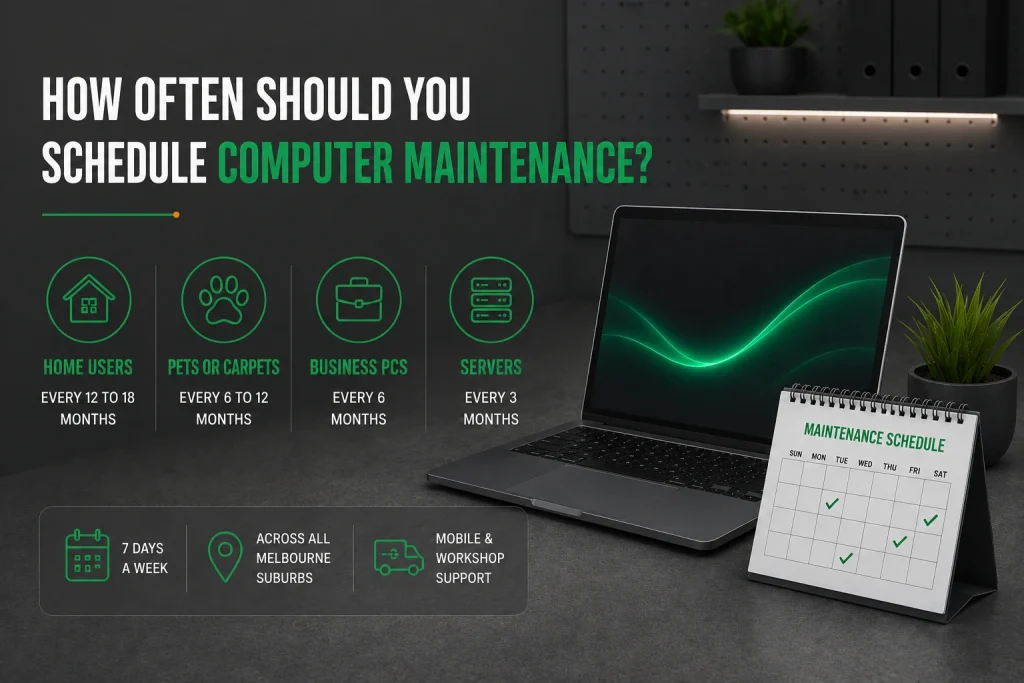
Home users in normal settings should book professional maintenance every 12 to 18 months. Homes with pets or carpets need it every 6 to 12 months because those spaces create more airborne dust. Business computers running 8 to 10 hours daily need attention every 6 months. Servers need quarterly checks.
Technicians are available 7 days a week across all Melbourne suburbs. Commercial computer maintenance services in Melbourne provide both mobile and workshop support. Professional computer repair services cover the entire metro area for desktops, laptops, Mac, Windows, and all major brands.
How Much Does Computer Maintenance Cost in Melbourne?
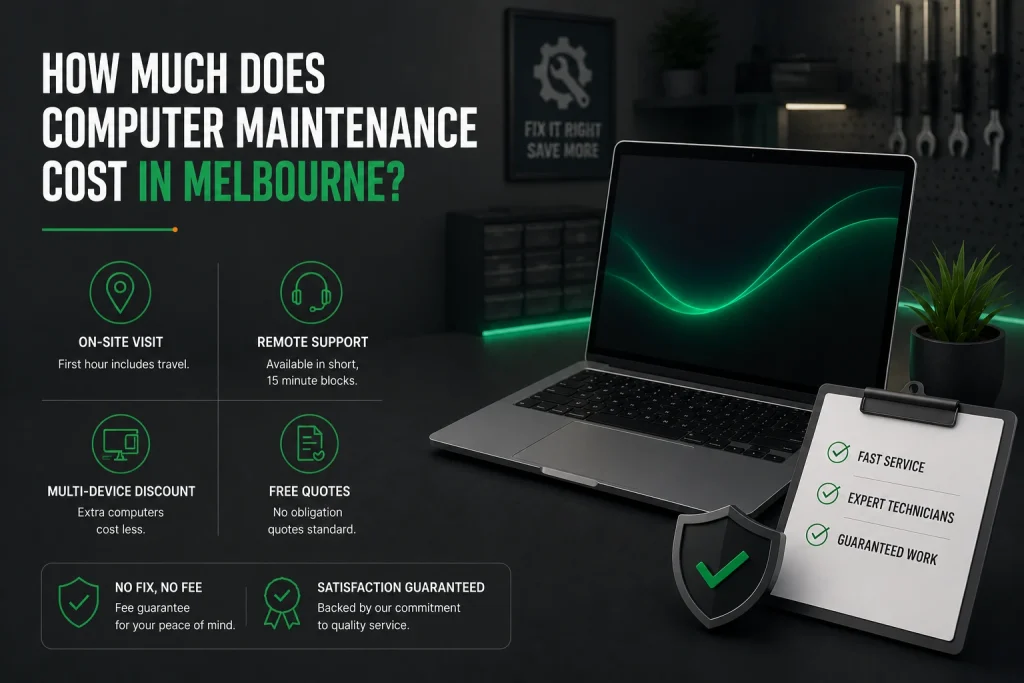
A standard maintenance visit starts at $168 for the first hour including travel. Remote support is available at $30 per 15 minutes. Extra computers serviced during the same visit cost less. Most services in Melbourne charge upfront diagnostic fees around $89. Full maintenance packages include the check in the hourly rate. Free quotes are standard.
The cost is small next to emergency computer repairs. A failed hard drive can need $420 to $1,800 in data recovery. Emergency data recovery has a 92 percent success rate. Service providers back work with fee guarantee policies and satisfaction guarantees on every computer repair job.
What Simple Maintenance Can You Do Between Professional Visits?
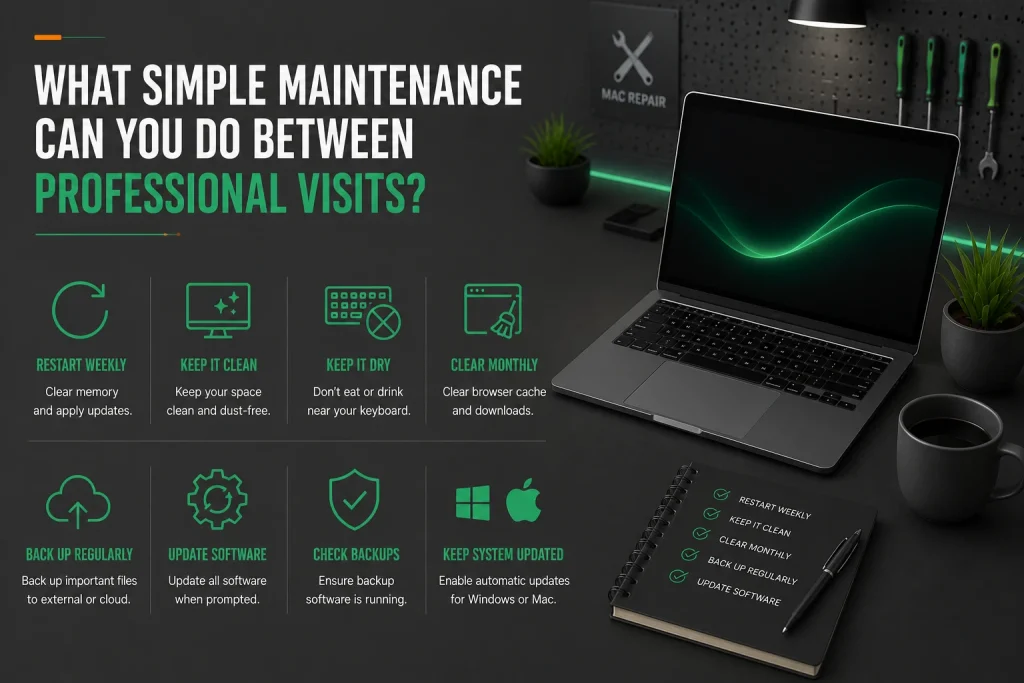
Restart your computer at least once a week to clear memory and apply updates. Keep the area around your desktop PC or laptop clean and dust-free. Do not eat or drink near the keyboard.
Clear your browser cache and downloads monthly. Check that backup software is running. Update all software when prompted. Regularly back up important files to an external hard drive or cloud storage. These habits keep your technology running longer.
If your computer runs Windows, set Microsoft updates to install automatically. For Mac users, the same applies to Apple software updates. A well-maintained computer handles everyday tasks smoothly, whether you use it for business, study, or sharing files across your home network or office network.
Frequently Asked Questions
Can I clean the inside of my desktop computer myself?
You can clean vents with compressed air, holding the can upright with short bursts from 10 centimetres away. Opening the case brings risks. Compressed air can spin fans past their bearing limits. Static from your body can destroy parts without any spark.
If you have an anti-static wrist strap and feel comfortable inside electronics, DIY is fine. If not, paying a professional computer technician costs less than replacing a damaged part. For most people, letting a professional handle internal cleaning during regular computer maintenance Melbourne sessions is the safer choice.
How do I know if my thermal paste needs replacing?
Check CPU temperature with free software like Core Temp. If the processor idles above 50 degrees or hits 90 under load with fans at full speed, the paste has likely dried. Fans running loud when the computer does very little is another sign.
Thermal paste lasts 3 to 5 years. High-quality paste applied by a technician can last 5 to 7 years. Replacing paste is standard in professional computer maintenance Melbourne services for both desktops and laptops.
Should I leave my computer on or shut it down each night?
For most home users, shutting down at night is better. It saves power, clears memory, applies updates, and gives parts a cooling cycle. Modern SSDs boot in seconds so slow startup is no longer a reason to leave it running.
For business servers running overnight backups, leaving them on makes sense. In those cases, schedule a weekly restart during off-hours. For office desktops used during business hours, shutting down overnight extends equipment life.
What is the difference between computer maintenance and computer repair?
Maintenance is preventative work done on a healthy computer on a schedule. Repair is corrective work done after something breaks. Both rely on skilled computer technicians but serve different purposes.
Maintenance costs less, happens at your convenience, and catches hardware issues before they become emergencies. Repair costs more, happens on the problem’s timeline, and often needs replacement parts. Repairs Melbourne residents need are less frequent when regular maintenance is routine.
Will regular maintenance make my old computer last longer?
Yes, maintenance extends computer lifespan by tackling heat, dust, and software degradation. Every 10-degree drop in temperature roughly doubles the life of capacitors and other parts. A computer running cool and clean lasts 7 to 10 years.
One running hot and dusty may fail after 3 to 5. Software maintenance keeps the system responsive. Old computers that get regular maintenance often outlast new equipment that is ignored. Whether your device is a PC, laptop, Mac, or Windows machine, professional care pays off.
Should I pay for computer maintenance or wait until something breaks?
Waiting until your computer has hardware issues often costs more in data recovery and emergency response fees. Professional computer maintenance Melbourne is an easy fix that keeps your desktop pc running smoothly. Computer repairs cost significantly more than regular tune-ups from skilled computer technicians.
How long does computer maintenance take for a desktop pc in Melbourne CBD?
A standard maintenance session for a desktop pc in Melbourne CBD typically takes one to two hours. Computer technicians provide same day service on site across the metro area. Computer repairs Melbourne professionals can handle operating system updates, remove unwanted programs, and clean dust efficiently.
What is included in a standard computer tune-up besides cleaning dust?
A professional computer maintenance Melbourne session includes removing unwanted programs, installing operating system updates, checking for outdated software, and scanning the hard drive. Computer technicians also test backup systems and provide free quotes for any recommended ssd upgrade or repair service.
Can a technician help with my printers and network setup during a maintenance visit?
On-site computer maintenance covers more than just your main device. Computer technicians can also check printers, troubleshoot network issues, and provide online support. They can help setup your device, ensure efficient data backup, and inspect all hardware. For mac users, professional support covers both hardware and software across desktops and laptops.
Why Computer Maintenance Melbourne Services Are a Smart Investment
Computers that get yearly maintenance run faster, last longer, and fail far less often than ones ignored until they break. The service costs less than one emergency computer repair and a fraction of what data recovery costs when a drive fails.
For businesses and home users alike, computer maintenance Melbourne services are a cost-effective way to keep computers running at their best. For home users, a yearly tune-up keeps a computer performing well past when you would replace it. If your machine needs more than a tune-up, fixing a slow computer with the right upgrades costs less than you think. For businesses with multiple computers, IT support solutions cover scheduled maintenance for your whole office.
[Schedule your computer maintenance in Melbourne today. Call Nimble Nerds on 02 8091 0815 for a visit that keeps your technology healthy and fast.]
References
- https://www.cyber.gov.au/resources-business-and-government/essential-cyber-security/essential-eight
- https://www.ibm.com/support/pages/define-smart-used-smartcollect
Related Articles