
Data recovery Melbourne services get back lost files from failed hard drives, corrupted SSDs, formatted memory cards, and water-damaged phones. They use specialist tools that go well beyond free recovery software. Backblaze, which tracks tens of thousands of hard drives in its data centres, reports that roughly 1.5 to 2 percent of consumer drives fail each year. That means thousands of Melburnians lose data from hardware failure annually.
Getting professional help quickly, before files are overwritten or the damage gets worse, is the single most important factor in getting your data back.
At a Glance: What Data Recovery Delivers
- Simple logical recoveries often complete during the first assessment hour, while complex physical recoveries use cleanroom work and donor parts to retrieve files from mechanically failed drives.
- Pricing is transparent with a flat-fee quote after assessment, ranging from $168 for SD card recovery to $1,800+ for complex RAID array rebuilds.
- Reputable providers follow strict data protection standards, deleting recovered data from their systems after delivery unless you request otherwise.
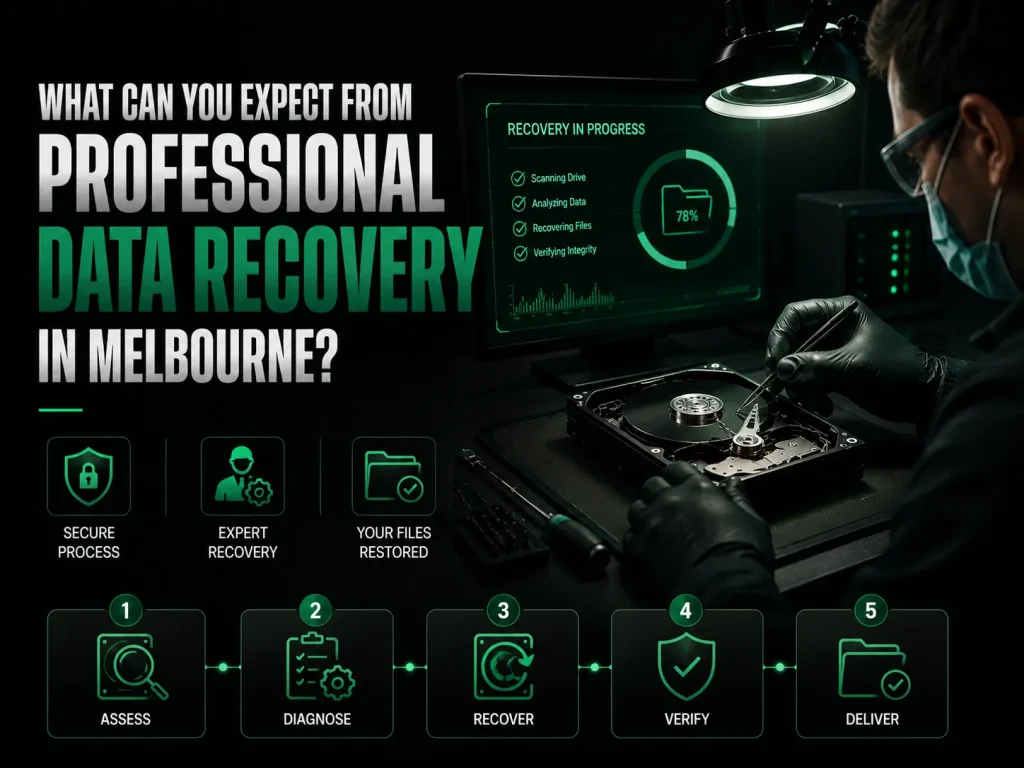
What Can You Expect From Professional Data Recovery in Melbourne?
A data recovery engineer checks your failed storage device, works out whether the data loss is from mechanical failure, file system corruption, or accidental deletion, gives you a flat-fee quote with clear pricing, and recovers your files using specialist hardware and software. Simple logical recoveries often finish during the first hour of assessment. Complex cases with physically damaged drives need cleanroom work and donor parts. Reputable providers follow strict data protection standards throughout the recovery process. Your recovered data is deleted from their systems afterwards unless you ask them to keep it.
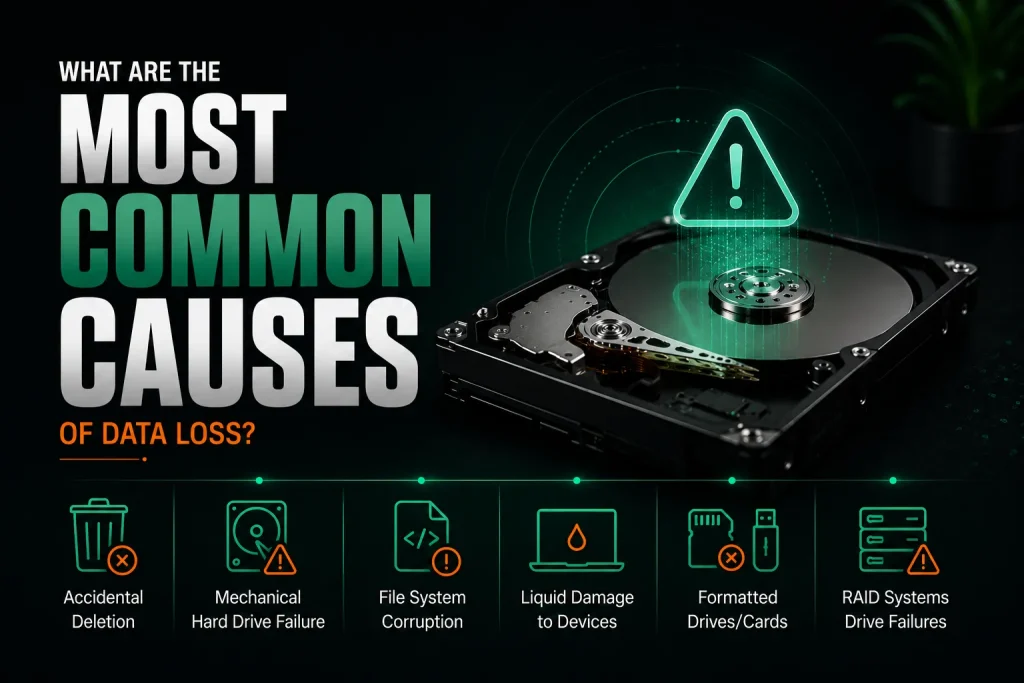
What Are the Most Common Causes of Data Loss?
Accidental deletion, mechanical hard drive failure with a head crash, file system corruption, liquid damage to phones and laptops, and virus attacks that corrupt or delete files are the most frequent reasons people in Melbourne need data recovery services.
Knowing what caused the loss helps the engineer pick the right recovery method. Different causes need different tools and approaches.
- Accidentally deleted files emptied from the recycle bin without checking
- Mechanical hard drive failure that makes clicking, beeping, or produces no sound at all
- File system corruption after sudden power loss or pulling out an external drive unsafely
- Water damaged laptop or phone with storage chips that cannot be reached
- Formatted memory cards or USB drives with no backup
- RAID systems where several drives fail at the same time
Why Does a Failing Hard Drive Make Clicking Noises Before It Stops Working?
The clicking sound happens because the read/write heads try to read data from the platter but keep failing. Each time they fail, the arm snaps back to its parked position with an audible click. This repeats over and over as the drive tries and fails to start up. The noise is often called the click of death. Keeping the drive powered on causes the heads to scrape across the platter surface, turning a fixable problem into permanent data loss. Turn the drive off straight away and call a data recovery company.
How Does File System Corruption Happen Without Any Physical Damage?
File system corruption happens when the operating system gets cut off while writing data to the drive. The file index is left half-written and the computer cannot make sense of it anymore. Power outages during a write, unplugging an external drive without ejecting it first, and sudden system crashes are the most common causes. The drive hardware is perfectly fine, but the computer cannot read the data structure. Recovery software can often fix minor corruption, but serious cases need professional help.
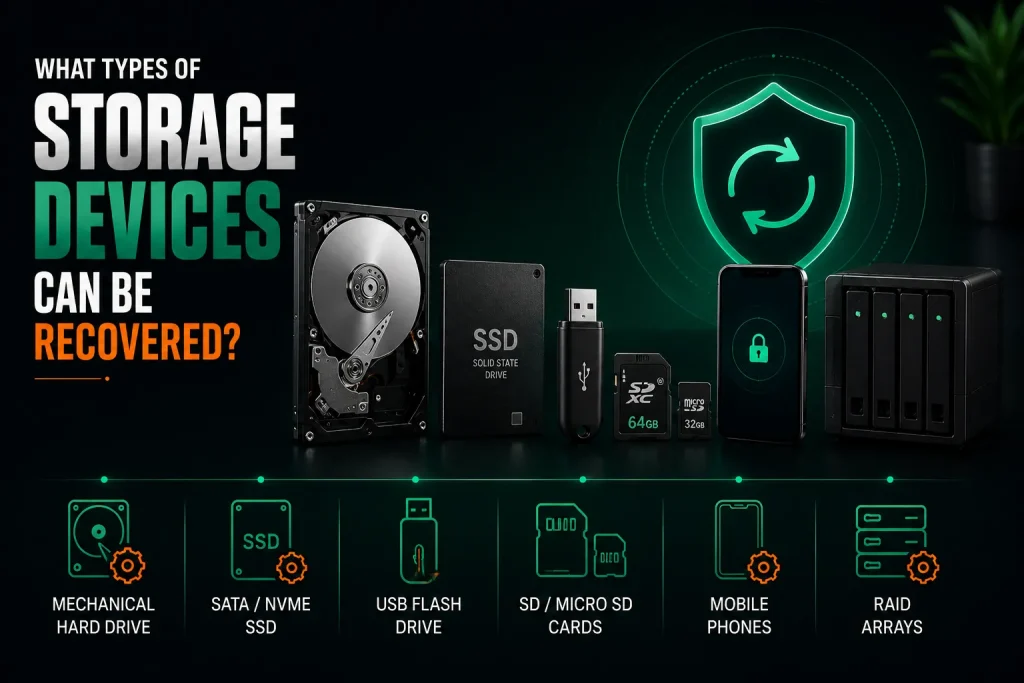
What Types of Storage Devices Can Be Recovered?
Hard drives, solid-state drives, USB flash drives, SD cards and other memory cards, mobile phones, and RAID arrays can all be recovered by a professional data recovery company. The methods and costs vary a lot between different types of devices.
Each type of storage fails in its own way. A provider with experience across both consumer and business storage systems picks the right method for each case. Many offer free inspections so you know what you are dealing with before paying anything.
| Device Type | Common Failure | Recovery Method | Typical Cost Range |
| Mechanical Hard Drive | Head crash, motor seizure | Cleanroom disassembly, platter transplant | $420–$1,800 |
| SATA/NVMe SSD | Controller failure, firmware lock | Chip-off recovery, specialised readers | $500–$2,000 |
| USB Flash Drive | Broken connector, NAND wear | Component repair, direct chip reading | $168–$420 |
| SD/MicroSD Card | Physical break, corruption | Monolithic recovery, logical rebuild | $168–$420 |
| Mobile Phone | Water damage, board failure | Chip-off, JTAG interface access | $300–$1,200 |
| RAID Arrays | Multiple drive failure, config loss | Drive imaging, array reconstruction | $500–$2,500 |
Why Is SSD Data Recovery Different From Hard Drive Recovery?
SSDs store data on flash memory chips instead of magnetic platters. The drive’s controller spreads data across those chips using its own unique pattern. When the controller fails, you cannot just connect the chips to a reader and expect to find files. The engineer must work out how that specific controller laid out the data and reconstruct everything from scratch. This takes more skill and costs more than regular hard drive recovery. For businesses running critical work on SSDs, regular cloud storage backups mean you never need this complex recovery path.
Can Data Be Recovered From a Phone That Fell in Water?
Yes, if you bring the phone to a technician quickly and do not turn it on after it got wet. The technician takes the phone apart, cleans the inside with isopropyl alcohol, and stops corrosion before it reaches the storage chip. If the storage chip itself was not shorted by the water, data recovery usually works. Putting the phone in rice traps moisture inside and brings in dust and starch. Getting a professional check within 24 hours of water contact gives you the best possible chance of getting everything back.
How Does the Professional Data Recovery Process Work?
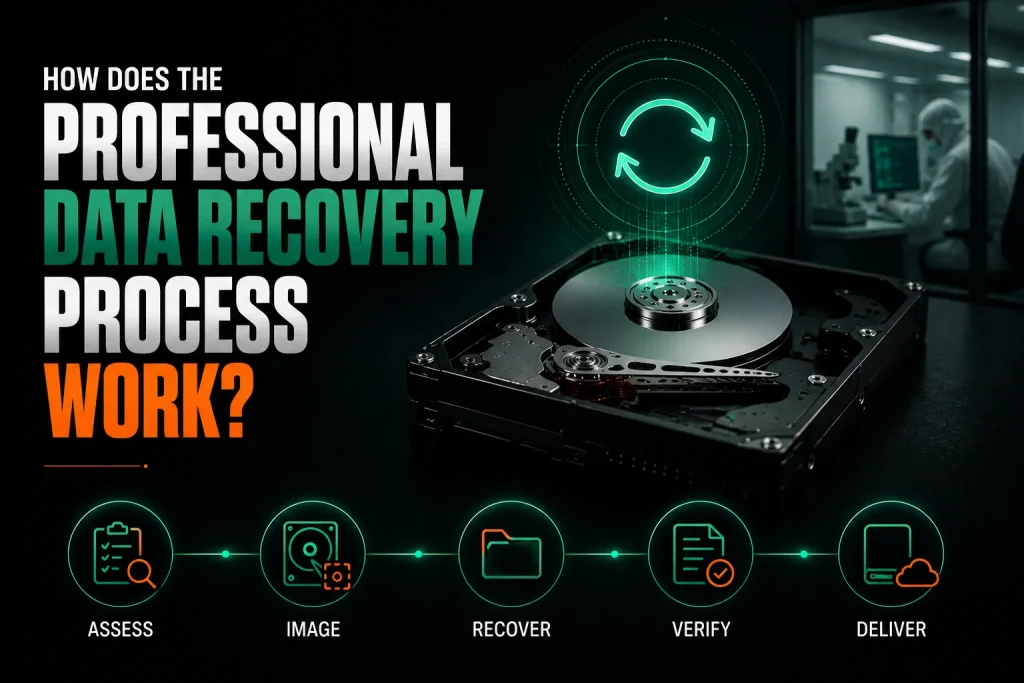
The data recovery process starts with a paid assessment. The engineer works out what failed and gives you a flat-fee quote. In simple cases, the recovery finishes during that first hour.
Each step follows a set order. Rushing or skipping steps risks losing data forever.
- Assessment: the engineer checks the drive, works out the failure, and gives a time and cost quote
- Imaging: for physical damage, the drive is opened in a dust free environment and every readable sector is copied to a healthy drive
- Recovery: specialist software rebuilds the file system and pulls out the recovered files
- Verification: the files are checked to make sure they are complete
- Delivery: your data comes back on a new external drive or through a secure cloud transfer
Why Must Physically Damaged Drives Be Opened in a Cleanroom?
A single speck of dust measuring just 0.5 microns can get between a read/write head and a platter spinning at 7,200 RPM. That speck scores the surface and destroys data permanently. Normal room air holds millions of dust particles per cubic metre. A professional cleanroom filters the air down to fewer than 100 particles per cubic metre. Opening a hard drive outside this dust free environment almost guarantees extra damage that makes recovery impossible. The National Institute of Standards and Technology publishes guidelines on digital media handling that set the standard for cleanroom work.
How Long Does a Typical Data Recovery Take?
Simple logical recoveries where the drive hardware is fine finish in 1 to 3 days. Physical recoveries needing cleanroom work and donor parts take 3 to 7 days for a single drive. SSD recoveries and RAID array rebuilds take 7 to 21 days because they are more complex. Emergency services can cut that down to 24 to 48 hours for an extra fee. The timeline also depends on whether donor parts need to be sourced from interstate.
How Much Does Data Recovery Cost in Melbourne?
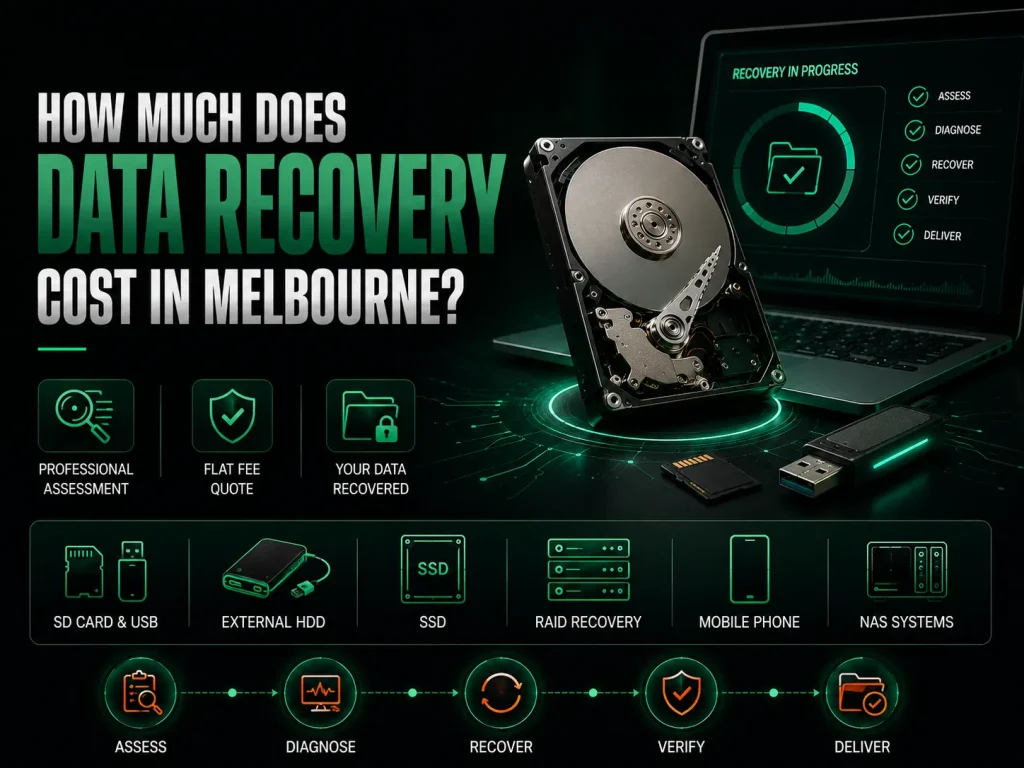
Data recovery costs in Melbourne range from $168 for a simple SD card or USB recovery to $2,500 for a complex multi-drive RAID array rebuild. Most jobs are quoted as a flat fee after the professional assessment. Many providers offer free inspections so you know what you are facing before spending anything.
The first assessment costs about $168 for one hour of work. In many cases, the files are recovered during that hour. For harder cases, you get a firm flat-fee quote before any more work starts.
- SD card and USB recovery: $168–$420 depending on how complex it is
- External hard drive recovery: $420–$1,800 depending on the type of failure
- SSD recovery: $500–$2,000 depending on the controller and damage level
- RAID array recovery: $500–$2,500 depending on how many drives and the RAID level
- Mobile phone recovery: $300–$1,200
- NAS systems recovery: quoted after the assessment
Why Do RAID Recoveries Cost More Than Single Drive Recoveries?
RAID recovery needs every single drive in the array to be imaged before the array can be rebuilt. A four-drive array means four separate recovery jobs before you even start. The engineer must also work out the right stripe size, parity order, and drive sequence, which may not be written down anywhere. Each extra drive adds time and makes it harder. Businesses that rely on RAID systems should keep tested backups because array recovery is never guaranteed.
Is Professional Data Recovery Worth the Cost for Personal Photos?
For things you can never replace, like family photos, professional data recovery is almost always worth it. There is no backup for a child’s first steps or a grandparent’s last family gathering. The real question is not what recovery costs but whether the photos can be replaced at all. For replaceable things like software installers, the maths changes. The professional assessment shows you what can be saved before you commit to the full service.
What Should You Do Immediately After Realising Data Is Lost?
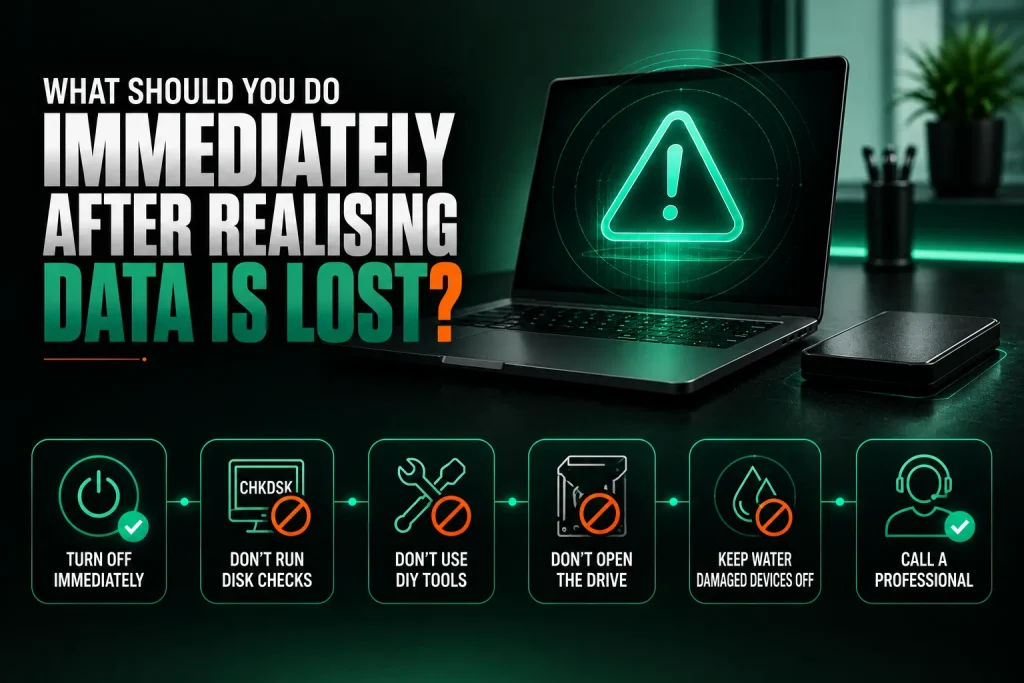
Stop using the device right away. Turn it off and leave it off. Every new file you save and every minute a failing drive keeps spinning cuts your chances of getting your data back.
The things you do in the first few minutes decide whether recovery works. Panicked reactions often cause damage that even expert help cannot undo.
- Do not run CHKDSK or Disk Utility First Aid on a drive making odd sounds
- Do not try to recover files yourself with free tools on a drive that is failing mechanically
- Do not open the drive case, which lets airborne dust hit the platters
- Do not turn on a water damaged laptop or plug it in to charge
- Put the device somewhere safe and dry and call a professional
Why Does Continuing to Use a Failing Drive Destroy Data Permanently?
A mechanically failing hard drive gets worse with every spin. The read/write heads may be scraping the platter surface and physically removing the magnetic coating that holds your data. Every time you power it on, you risk a head crash that finishes the job. Writing new files to a drive you accidentally formatted is even worse because you are overwriting the exact data you want back. Stop everything right away and you keep the most data possible.
Can Free Data Recovery Software Fix the Problem Without Professional Help?
Free tools like Recuva work well for simple cases where you deleted a file by accident and the drive is healthy. These tools read the raw data on the drive and rebuild the file list. The catch is that free tools cannot help when the computer does not even see the drive, or the drive is making odd sounds, or it has been physically broken.
For those cases, professional data recovery services are the only way forward. If your drive has suffered physical damage that makes recovery impossible, computer repairs Melbourne technicians can replace the drive and restore your system from backups.
How Can Backups Prevent the Need for Data Recovery?
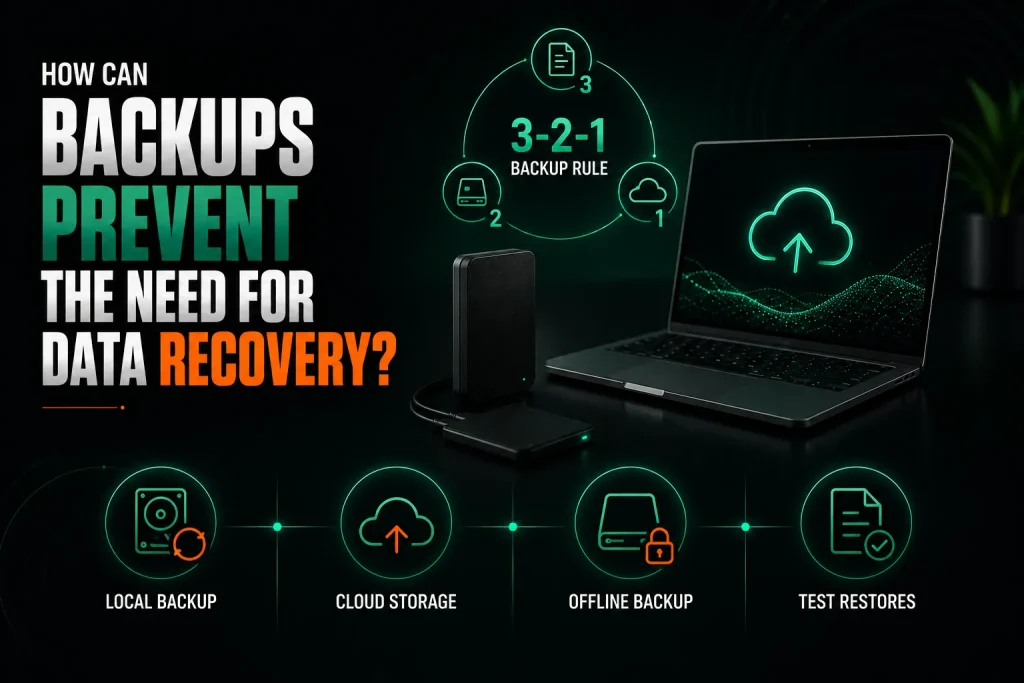
A proper backup setup following the 3-2-1 rule removes the stress and cost of emergency data recovery. Keep three copies of your important files on two different types of storage, with one copy kept offsite in cloud storage or another location.
The best data recovery is the one you never need. A small spend on backup setup pays for itself the first time a drive dies.
- Local backup: an external hard drive with automatic backup software running every day
- Cloud storage: services at about $7 to $15 per month for a single computer
- Offline backup: a drive kept somewhere else, unplugged when not backing up
- Test restores: the only way to know your backups work is to actually restore a file
Frequently Asked Questions
Can overwritten files ever be recovered by a professional data recovery company?
Files that have been fully overwritten on a mechanical hard drive are generally gone for good. The new data has physically changed the magnetic pattern on the platter. On SSDs, wear-levelling sometimes leaves old file versions in unmapped blocks until garbage collection wipes them. But TRIM commands on modern SSDs erase deleted data permanently. Once something is overwritten, recovery is almost impossible. That is why stopping all use of the device the moment you realise data is lost matters so much.
How do I choose between different data recovery companies in Melbourne?
Look for a company that gives a fixed-price assessment with clear pricing, a written quote before going past the assessment, and a specific turnaround time. Check reviews for feedback from people with similar recovery needs. Ask if they do the recovery in-house or send drives away to another lab. In-house is usually faster and safer. Free inspections are common, so you can get an opinion without committing. Pick someone who explains things in plain language rather than drowning you in jargon.
Is it safe to send my failed hard drive to a data recovery lab by post?
Yes, if you pack it properly. Use a strong box with at least 5 centimetres of padding on every side. Wrap the drive in an anti-static bag first. Use a courier with tracking and signature on delivery. Most recovery companies give you packing instructions. Insurance covers the hardware but not the data on it, because the data cannot be replaced. For really sensitive information, delivering the drive by hand removes all shipping risk.
What happens if the data recovery attempt fails and files cannot be retrieved?
A good data recovery company tells you during the assessment how likely recovery is. If the drive is too damaged to get anything back, you pay only the assessment fee and get your device returned. This gives both sides the same goal because the company only profits when you get your data back.
Can I recover data from a laptop that will not turn on at all?
Yes, as long as the storage drive inside the laptop still works. A technician takes out the drive, plugs it into a working computer with an adapter, and reads the files straight off it. This works for laptops with removable drives. For newer laptops with storage soldered to the board, recovery is harder but still doable with specialist gear. If the failure was caused by water that also hit the storage chips, the odds drop, but a professional check gives you a clear answer.
Why Professional Data Recovery in Melbourne Is the Right Choice
Losing data feels awful. Photos, business records, and years of work seem to disappear in a moment. Professional data recovery in Melbourne gets those files back in most cases, as long as the right steps are taken before the damage spreads.
The cost starts at $168 for the first check, which is small compared to the value of things you cannot replace. Data recovery services are available across all Melbourne suburbs, so help is never far away. Acting fast when data loss happens gives you the best chance. Every hour of continued use on a failing device pushes your files closer to being gone for good.
[Speak with a Melbourne data recovery specialist today. Call Nimble Nerds on 02 8091 0815 for an assessment and insightful estimate of the time and cost involved.]
If your drive has failed and you need a replacement, repairing a slow computer with a new SSD can prevent future data loss from ageing hardware.
Related Articles
- https://nimblenerds.com.au/computer-repairs-melbourne/
- https://nimblenerds.com.au/how-to-repair-a-slow-computer/
- https://nimblenerds.com.au/computer-repairs-melbourne/
References
- https://nvlpubs.nist.gov/nistpubs/SpecialPublications/NIST.SP.800-88r2.pdf
- https://www.backblaze.com/cloud-storage/resources/hard-drive-test-data