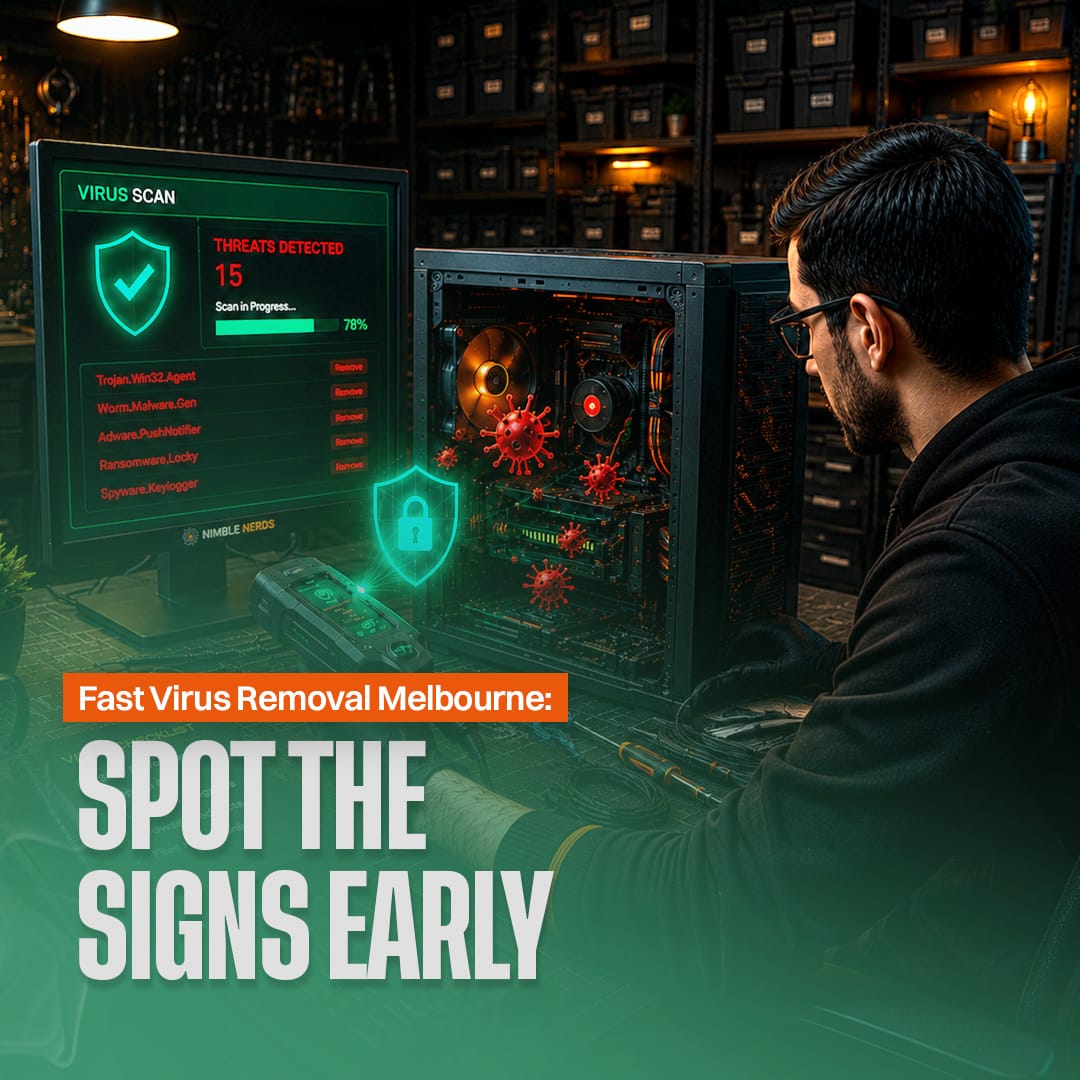
Computers infected with malicious software show clear warning signs. Professional virus removal Melbourne services can find and remove these threats, often within 2 to 3 hours on the same day you call. The Australian Cyber Security Centre received over 76,000 cybercrime reports, with malware infections among the most common threats facing Australian homes and businesses.
Spotting the common signs of a virus infection early and calling for professional virus removal services can stop a minor malware issue from turning into data loss or an identity theft nightmare.
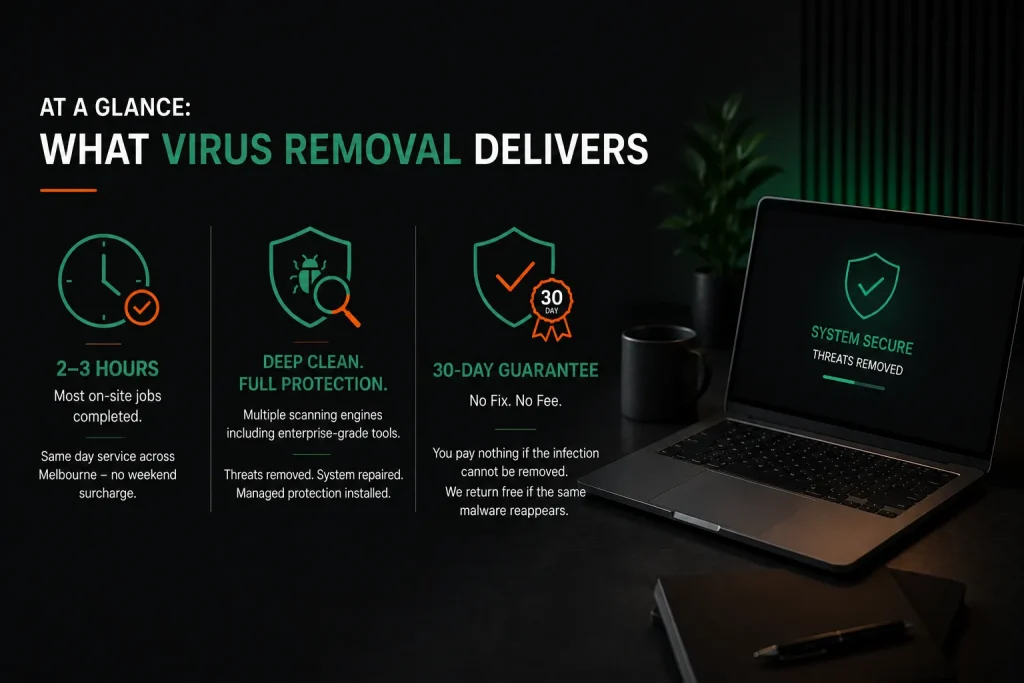
At a Glance: What Virus Removal Delivers
- Most on-site virus removal jobs finish in 2 to 3 hours, with same day service available across all Melbourne suburbs and no weekend surcharge.
- Professional cleanup uses multiple scanning engines including enterprise-grade tools that catch threats consumer antivirus software misses, followed by system repair and managed protection installation.
- The 30-day guarantee and No Fix No Fee policy mean you pay nothing if the infection cannot be removed, and the technician returns free of charge if the same malware reappears within a month.
What Should You Expect From Professional Virus Removal in Melbourne?
A technician comes to your home or office, finds out what type of malware is on your PC or laptop, isolates it from the network, runs a comprehensive system scan with multiple internet security software tools, fixes the system damage, and installs antivirus software for ongoing protection.
Most virus removal jobs finish in 2 to 3 hours. The service includes a 30-day guarantee and a no fix no fee policy so you pay nothing if the issue cannot be fixed, with affordable pricing and same day service across all Melbourne suburbs.

What Are the Most Common Signs Your Computer Has a Virus?
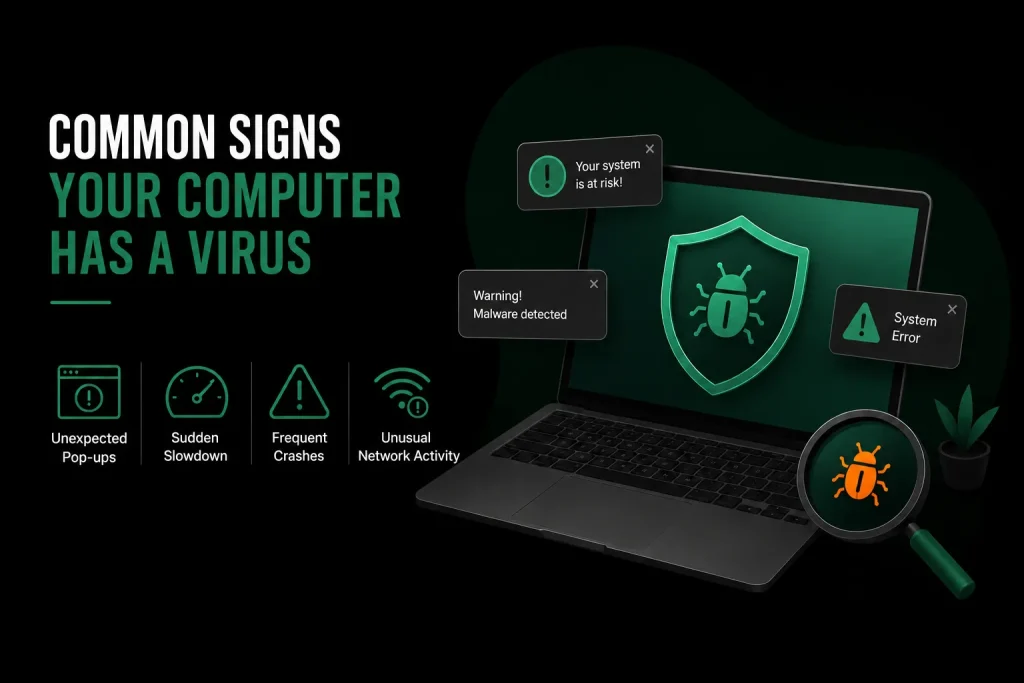
Unexpected pop ups appearing on your computer screen when no browser is open are the clearest sign of infection. Strange pop ups, sudden slow performance, frequent crashes with error messages, and unexplained network activity are also strong indicators of a malware infection on a Windows PC or Mac computer.
Several symptoms often appear together. A computer acting strangely does not always mean a virus, but certain common signs point clearly to malicious software. Knowing them helps you decide whether to call for professional removal services or look for a simpler fix.
| Symptom | Likely Malware Type | Severity |
| Pop ups on computer screen with no browser open | Adware or scareware | High |
| Computer suddenly very slow, fans at full speed | Cryptominer | Medium |
| Friends receive strange emails from your account | Email hijacking worm | Critical |
| Security software disabled, cannot be re-enabled | Rootkit or trojan | Critical |
| Files locked with a ransom demand note | Ransomware | Critical |
| Unwanted toolbars or changed search engine | Browser hijacker | Medium |
Any one of these common signs warrants a closer look. Several together make a virus infection nearly certain. A technician can run a comprehensive diagnostic to confirm whether the symptoms point to computer viruses or a hardware problem. Obvious files going missing or being renamed without your action is another red flag that signals you need malware removal services.
Why Does a Slow Computer Not Always Mean a Virus Infection?
A slow computer can result from too little memory, a failing hard drive, too many startup programs, or an operating system that has not been updated in months. These issues are not caused by malware. The slow performance could also be from having multiple devices connected and competing for resources.
A technician runs diagnostics to rule out hardware and software problems before assuming a virus is the culprit. The key difference is that virus-related slowdowns often come with other symptoms like pop ups, browser redirects, or disabled security software.
How Do Browser Hijackers Change Your Online Experience?
Browser hijackers change your default search engine and inject ads into every page you visit. They also redirect your searches to spam websites. These threats often arrive bundled with free tools downloaded from the internet.
Removing them takes more than just resetting your browser settings. The malware leaves behind hidden tasks and registry entries that reinstall the infection after a restart. Professional virus removal tools find and remove these hidden persistence points. Manual removal without specialist software rarely works because the infection buries itself deep in the operating system.
What Types of Malware Target Australian Computer Users Most Often?
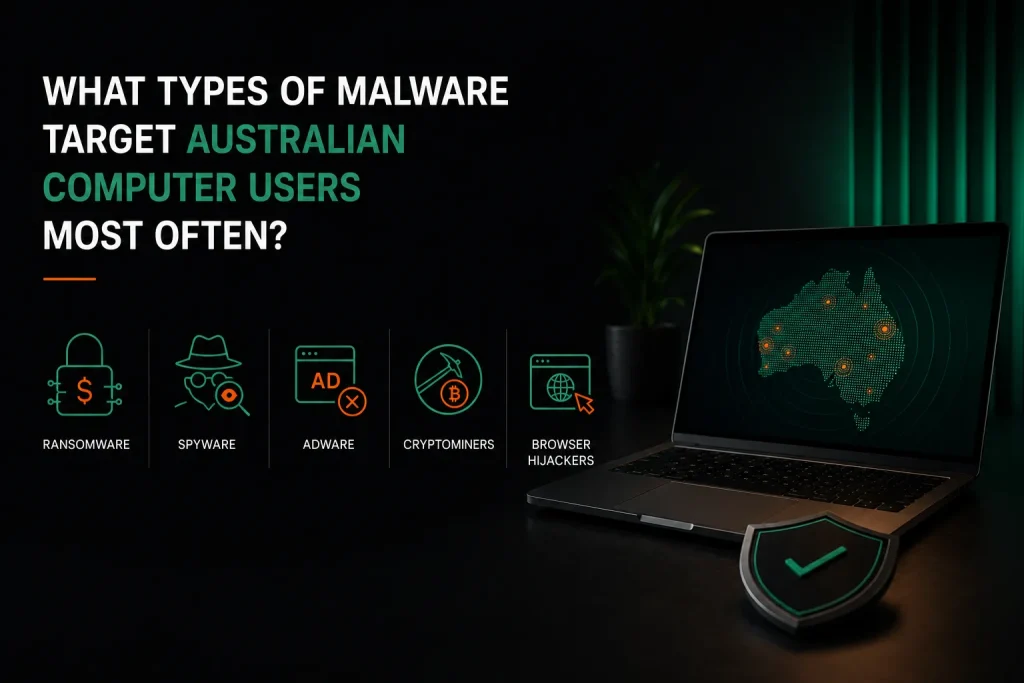
Ransomware, spyware, adware, cryptominers, and browser hijackers are the most common malware types affecting Australian computer users. The threat landscape grows more complex each year. Sophos found in its State of Ransomware 2025 report that the average ransomware recovery cost reaches $1.5 million for organisations, and 63 percent of organisations fall victim due to a shortage of skilled security staff.
Home users face the same attack methods on a smaller but equally damaging scale. Spyware removal is especially important because spyware runs silently while collecting your private information. Good antivirus software combined with professional monitoring offers the best protection.
- Ransomware locks your personal files and demands payment to unlock them, causing data loss
- Spyware records every keystroke and steals banking details and passwords
- Cryptomining malware uses your processor to mine cryptocurrency, causing overheating
- Adware floods the computer screen with pop ups and tracks where you browse
- Computer viruses copy themselves onto other files and spread to other devices including mobile devices
How Does Ransomware Spread Through a Home Network?
Ransomware usually enters through a phishing scam email attachment. Once inside, it scans the local network for shared folders, network storage, and other devices with weak passwords. It then encrypts files on every connected machine it can reach.
Pulling the infected computer off Wi-Fi the moment you suspect ransomware stops it from spreading to other devices including phones and smart home gadgets. Early detection is the key to limiting the damage and preventing data loss across your entire home network.
Why Is Spyware Removal More Critical Than Removing Visible Pop-Up Viruses?
Spyware runs silently with no visible signs. It records every keystroke you type and sends everything to a remote server. Banking details, email passwords, and login details for social media accounts are all stolen without you ever knowing. By the time you notice strange transactions, weeks or months of personal files and financial data may already be gone.
Professional spyware removal uses advanced tools to find these hidden threats and wipe them out completely. Identity theft from spyware can take years to sort out, which is why comprehensive protection matters.
How Does the Virus Removal Process Actually Work?
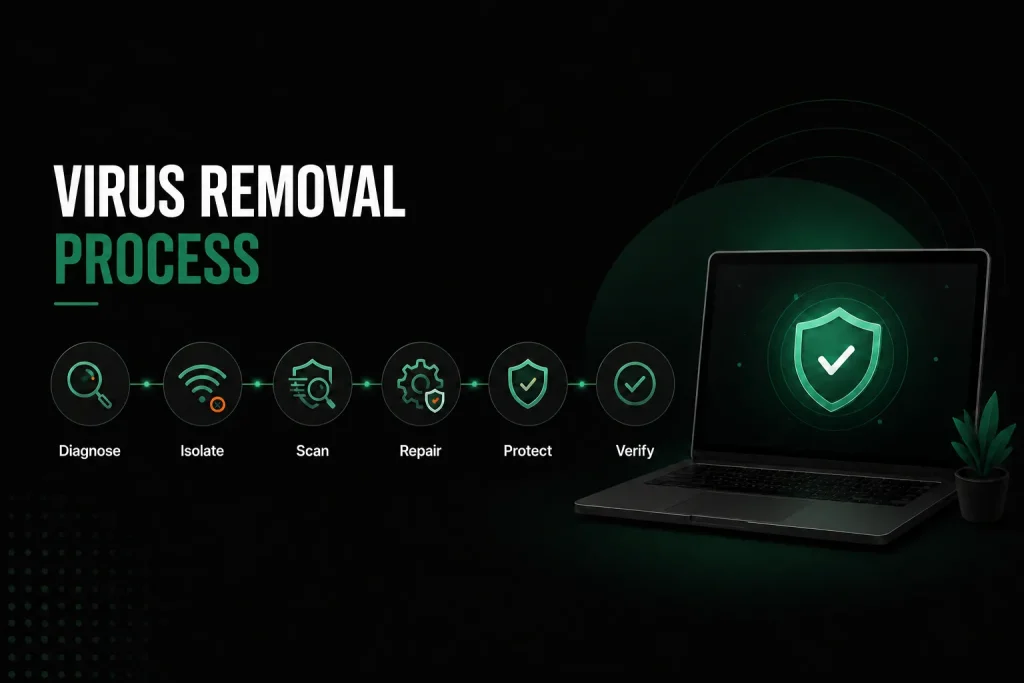
The virus removal process follows a clear sequence: diagnosis, network isolation, booting into a clean environment, multi-engine scanning for virus malware removal, system repair, and antivirus installation with ongoing protection. Most jobs finish in 2 to 3 hours.
Each stage has a purpose. Skipping any stage leaves gaps that let malware survive and come back later. The removal process must be thorough because modern malicious software is built to resist deletion. Virus removal services that skip steps often leave behind traces that cause future infections.
| Stage | What the Technician Does | Time Needed |
| 1. Diagnosis | Identifies the type of malware infection, how far it spread, and how it got in | 15–30 min |
| 2. Isolation | Cuts network access, boots into a safe environment | 10–20 min |
| 3. Scanning | Runs a comprehensive system scan with multiple tools to find virus malware, spyware, adware | 1–2 hours |
| 4. System Repair | Fixes settings, browser configs, and host files damaged by the infection | 30–60 min |
| 5. Protection | Installs antivirus software and sets up firewall for ongoing protection | 20–30 min |
| 6. Verification | Tests everything, confirms no infection remains | 15–30 min |
Why Do Professionals Use Multiple Scanning Tools Instead of Just One?
No single antivirus software catches every threat. Each tool has strengths against different types of malware. A professional uses a layered approach. They start with enterprise-grade internet security software for broad detection, then use extra tools that specialise in spyware removal, adware removal, and browser threats.
This mix of virus removal services and malware removal services cleans infections that a single consumer product would miss. You cannot simply install anti virus software on an already infected computer and expect it to find threats that are actively hiding from it.
What Happens If a Virus Cannot Be Removed Without Reinstalling the Operating System?
When an infection has damaged core operating system files beyond repair, the technician backs up your personal files first. Then a fresh installation of the operating system is done. The backed-up files are scanned before being restored to make sure no traces of the infection come back.
The no fix no fee guarantee still applies. The goal is a clean, working computer no matter what method it takes. A fresh installation gives you the best protection against future infections by starting from a clean slate.
How Much Does Virus Removal Cost in Melbourne?
On-site virus removal in Melbourne starts at $168 for the first hour including travel to your location. Remote support is available at $30 per 15 minutes for simple cases. Most home infections are fixed within 1 to 3 hours.
The final virus removal cost depends on how bad the malware infection is and how long it takes to clean. The technician gives you an upfront quote after diagnosis so there are no surprises with the pricing. These rates apply across all computer repairs Melbourne services, from virus removal to hardware fixes.
- Remote virus removal: $30 per 15 minutes, simple infections often cleaned in 60–90 minutes
- On-site virus removal: $168 first hour, $84 per additional 30 minutes
- Antivirus installation is included in the service at no extra charge
- 30-day guarantee covers re-cleaning at no extra cost if the same malware returns
- No fix no fee: if the technician cannot clean the infection, you pay nothing
- The fee guarantee means you never pay for a failed removal attempt

Why Does Free Antivirus Software Often Fail to Remove Existing Infections?
Free antivirus software is built for prevention, not removal. It scans for known threats using signature databases but lacks the behavioural tools that professional security software includes. Malware already running on your system can hide from or disable a free scanner. Professional virus removal runs from outside the infected operating system where the malware cannot interfere. To install anti virus software and expect it to remove viruses that are already active is not realistic without professional help.
Is Professional Virus Removal Worth the Cost Compared to Buying a New Computer?
For most infected computers, professional virus removal costs far less than a new machine. A full cleaning plus antivirus software installation costs between $168 and $420. Even a budget replacement laptop runs $600 to $1,000. The service also preserves your files, programs, and settings. For virus and malware removal that saves your data and setup, professional services are far better value than replacing the whole computer.
What Protection Should You Have After Virus Removal?
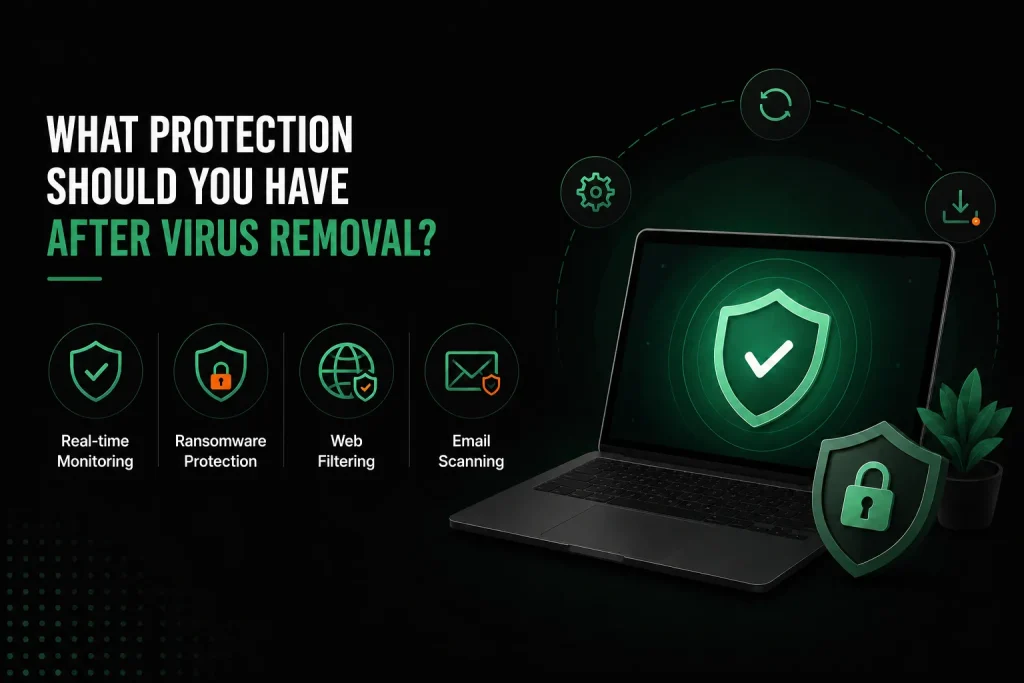
After professional cleaning, enterprise-grade internet security software watches your system in real time. It spots suspicious behaviour, blocks ransomware, and filters harmful websites. This ongoing protection is installed as part of the removal service. Comprehensive protection after cleaning stops future threats before they can take hold.
Free antivirus scans files against a list of known threats. Managed security software watches how programs actually behave and blocks anything suspicious before damage happens. The difference between basic and managed protection is the reason many people get reinfected within months.
- Real-time monitoring stops brand-new threats that have never been seen before
- Ransomware shields spot encryption attempts and halt them straight away for early detection
- Web filtering blocks harmful websites and phishing scams before they load
- Email scanning strips dangerous attachments and malicious code from incoming messages
How Often Should You Update Your Security Software?
Antivirus software should update automatically, which usually happens several times each day as new threat information comes out. Check once a week to make sure updates are working. The Australian Cyber Security Centre says all security software must stay current because attackers jump on the gap between a flaw being found and a patch being applied. Regular updates are your best protection against future threats.
Why Are Operating System Updates Critical for Virus Prevention?
Operating system updates close security holes that malware uses to get in. The WannaCry ransomware attack in 2017 used a Windows flaw for which Microsoft had already released a fix two months earlier. Every organisation that got hit had simply not applied the update. Modern operating systems can install updates on their own, and you should always leave this setting turned on.
What Everyday Habits Help Prevent Malware Infections?
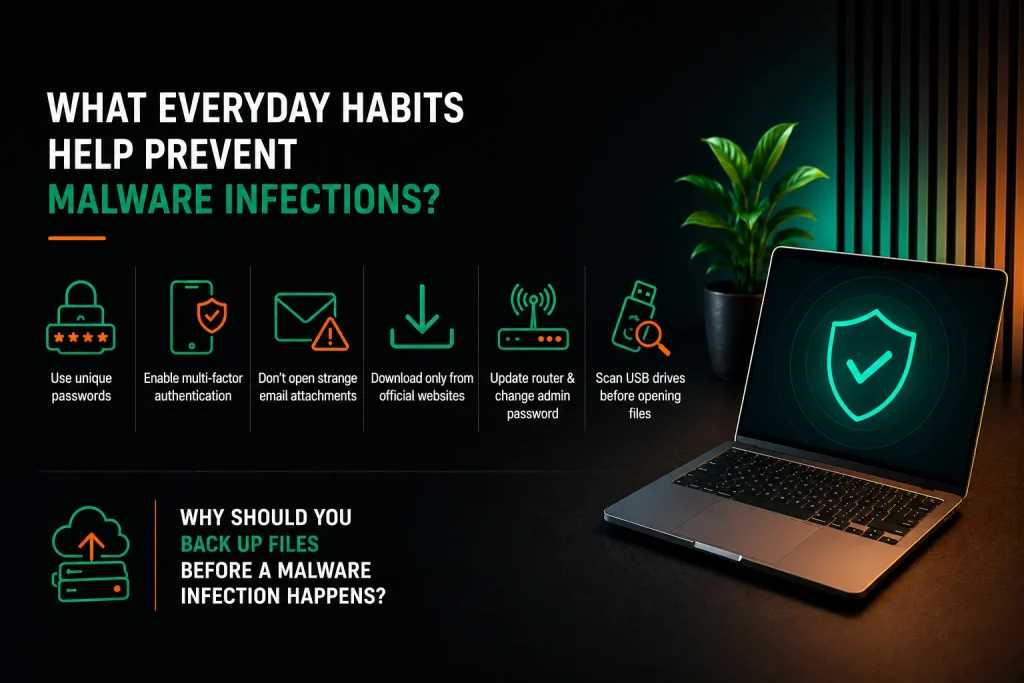
Using unique passwords, turning on multi-factor authentication on social media accounts, not opening strange email attachments, and keeping all software updated greatly lower your risk of getting a virus. Most malware infections start with a simple human mistake. A few new habits make your computer much harder to attack. These habits also help prevent future infections from taking hold.
- Use a password manager to create and store unique passwords for every account
- Turn on multi-factor authentication for email, banking, and social media
- Hover over links in emails to see where they really go before clicking
- Only download software from official websites, never from unexpected pop ups
- Keep your router software updated and change the default admin password
- Scan any USB drives or external storage before opening files on them
Why Should You Back Up Files Before a Malware Infection Happens?
Backups are the only real defence against ransomware. When your personal files get locked by malware and you have a clean offline backup, the ransom demand means nothing because you can restore your data without paying.
The backup must sit on a device that is unplugged from the computer when not actively backing up. Ransomware scans for and locks connected backup drives too. Resetting your computer after a severe infection is easier when you know your files are safe. Without backups, even professional virus and malware removal cannot bring back files that ransomware has already encrypted.
Can Mac Computers Get Infected Too?
Yes, Mac computers face fewer but growing malware threats. Adware, browser hijackers, and cryptominers now target macOS more often as Apple sells more computers. Macs were safer in the past partly because fewer people used them, so attackers focused on Windows.
That has changed. Security researchers at Malwarebytes have reported a sharp rise in Mac-specific threats, especially adware and unwanted programs that come bundled with free downloads. The same virus removal services that work on PCs also apply to Mac computers with the right tools.
What Should You Do If Personal Files Were Already Stolen by Malware?
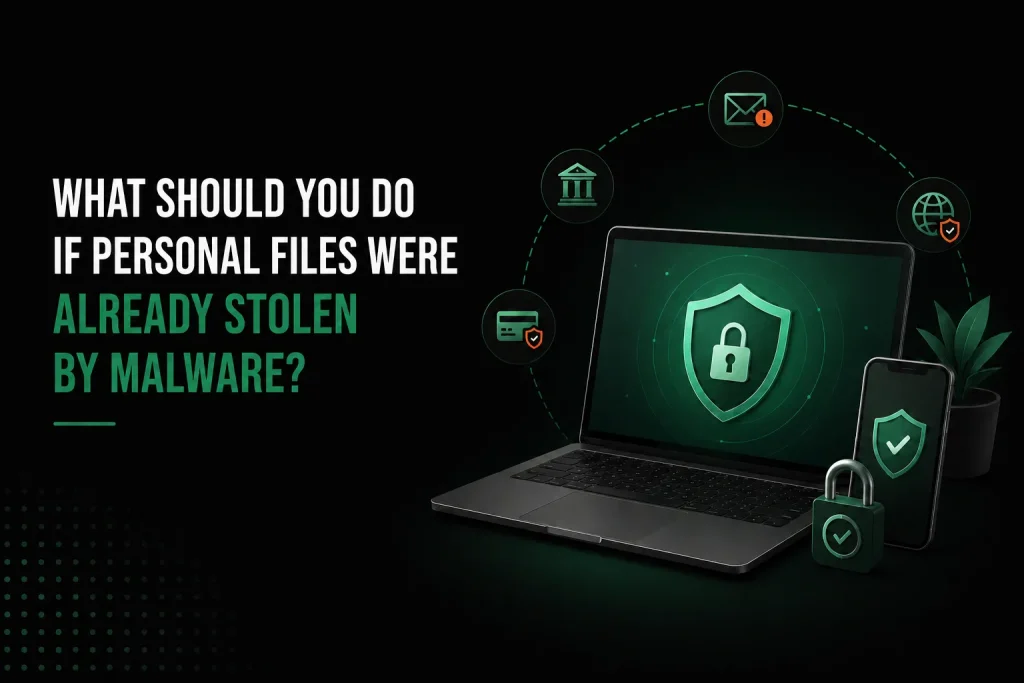
If spyware has already taken your banking details or personal files, change all passwords from a clean device right away. Contact your bank and report the incident through the ReportCyber portal at cyber.gov.au. The hours right after you find a data breach matter most. Acting fast limits the damage from identity theft and data loss.
- Change passwords for email, banking, and social media from a different, clean device
- Contact your bank to put fraud monitoring on your account
- Check your credit report for any loans or accounts you did not open
- Report the incident at cyber.gov.au so authorities can track the attackers
- Keep an eye on your accounts for several months after the infection is cleaned
- Scan any other devices including mobile devices that were on the same network
How Does the No Fix No Fee Guarantee Work for Virus Removal?
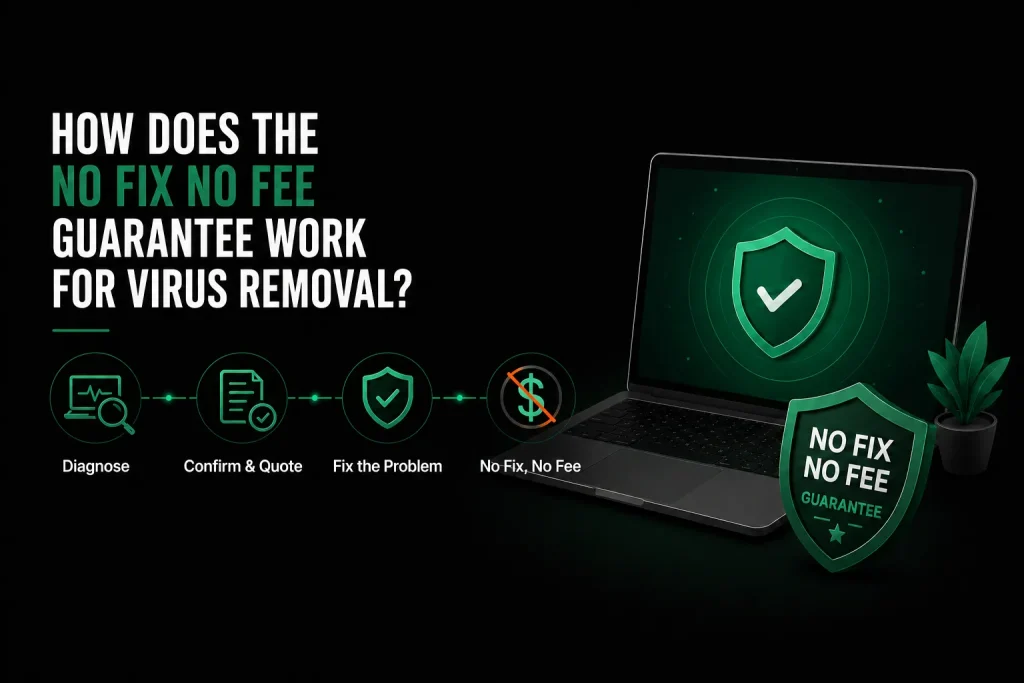
The no fix no fee policy means you only pay if the virus is fully removed. The initial diagnosis and consultation are free so you understand the problem before spending any money. This fix no fee guarantee removes the financial risk of getting professional help.
The technician checks your computer, confirms whether it can be cleaned, and gives you a set price before starting any work. If the fix cannot be done, you pay nothing under the no fix no fee guarantee.
Frequently Asked Questions
Can an infected computer spread viruses to phones and tablets on the same Wi-Fi?
Most malware made for Windows or macOS cannot infect phones and tablets because those devices run different operating systems with their own security. However, worm-type malware can scan the local network for weak spots like routers and smart home gadgets using default passwords. The bigger risk is stolen passwords.
If a keylogger on your infected computer captures your iCloud or Google password, someone can get into your photos and emails from any device without needing to infect it first. Keeping multiple devices on a separate guest network helps limit this risk.
Will resetting my computer to factory settings remove all viruses?
A factory reset removes most malware by wiping the operating system and all programs. But some advanced threats can hide in the recovery partition or the firmware and survive a reset. Before resetting, back up only your key documents and photos to a clean external drive. Then scan that drive from a clean computer.
After the reset, install your programs fresh from official sources rather than restoring from an old backup that might hold the infection. A technician can tell you whether a reset is enough or whether professional malware removal services are the safer option.
How long should I wait before using online banking after virus removal?
You can use online banking right after the technician confirms your computer is completely clean and antivirus software is running. If spyware was on the machine before cleaning, change your banking password from the freshly cleaned computer first.
Check your recent transactions for anything you did not authorise and report anything odd to your bank straight away. Same day service means there is hardly any gap in your normal routine while your banking details stay protected.
What is the difference between a virus, malware, and spyware?
Malware is the big umbrella term for all malicious software including computer viruses, spyware, adware, ransomware, and trojans. A virus is one specific type that spreads by sticking itself onto clean files and copying itself when those files are shared. Spyware is another type that hides quietly and watches what you do, recording keystrokes and stealing private information.
Adware floods your computer screen with ads. Ransomware locks your files and demands money. Knowing the difference helps you understand what kind of threat you are dealing with and which removal services you need.
Can a virus steal my information even when the computer is turned off?
A virus cannot actively steal anything while the computer is powered off because malware needs the operating system running to work. But any information already stolen before shutdown may already be in someone else’s hands. A powered-off infected computer is safe from new theft, but the infection stays dormant and will start up again the moment you turn the computer back on.
This is why you should cut the network connection before shutting down when you think you have an infection. Early detection and prompt removal services are the keys to minimising data loss.
Why Professional Virus Removal in Melbourne Is the Safest Choice
An active malware infection puts your personal files, banking details, and passwords at risk every moment it runs. Professional virus removal in Melbourne cleans the infection fully, fixes the damage, and sets up comprehensive protection that stops the same attack from working twice. The fix no fee guarantee means you take no financial risk.
The cost, starting at $168 on-site or $30 per 15 minutes remotely, is small compared to what identity theft or lost files could cost you. With same day service and a 30-day guarantee, your computer is back to normal faster than most people expect. If your machine is still slow after cleaning, a slow computer fix may be simpler than you think.
[Get your computer cleaned today by a Melbourne virus removal specialist. Call Nimble Nerds on 02 8091 0815 for immediate remote or on-site help with a fix no fee guarantee.]
Related Articles
- https://nimblenerds.com.au/computer-repairs-melbourne/
- https://nimblenerds.com.au/how-to-reset-computer/
- https://nimblenerds.com.au/how-to-repair-a-slow-computer/
References
- https://www.cyber.gov.au/report-and-recover/report
- https://www.wired.com/2004/05/browser-hijackers-ruining-lives/