A cracked MacBook screen or failing battery doesn’t necessarily mean you need to visit an Apple Authorised Service Provider. Independent Mac repair services can provide a convenient alternative, with on-site appointments available across Melbourne from $168, including the first hour of labour and travel.
Repair costs vary depending on your Mac model, the nature of the fault, and whether replacement parts are required. Before any work begins, your technician will assess the device and provide an upfront quote. Under Australian Consumer Law, you’re free to choose an independent repairer, and using one does not automatically void your Apple warranty.
Quick Reads
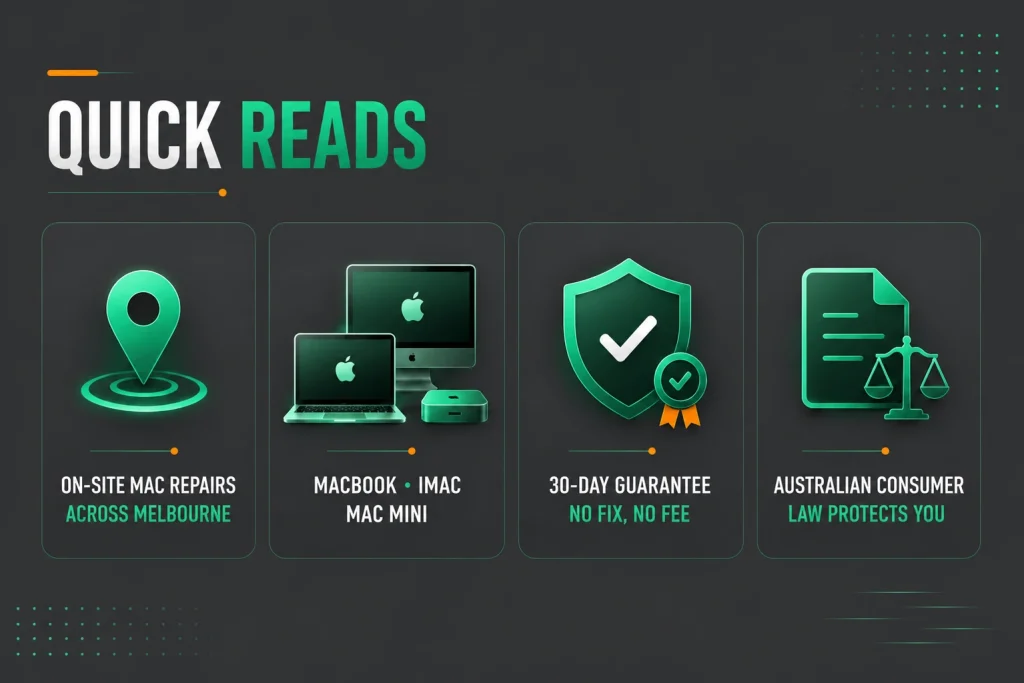
- On-site Mac repairs across Melbourne start from $168, including the first hour of labour and travel, with transparent upfront quotes before work begins.
- Experienced technicians repair MacBook, iMac and Mac mini computers, including screen, battery, keyboard, software and liquid damage issues.
- Every repair is backed by a 30-day service guarantee, with a 12-month warranty on replacement screens and a No Fix, No Fee policy.
- Australian Consumer Law gives you the freedom to choose an independent repairer without automatically affecting your Apple warranty.
What Can You Expect From Independent Mac Repair Services in Melbourne?
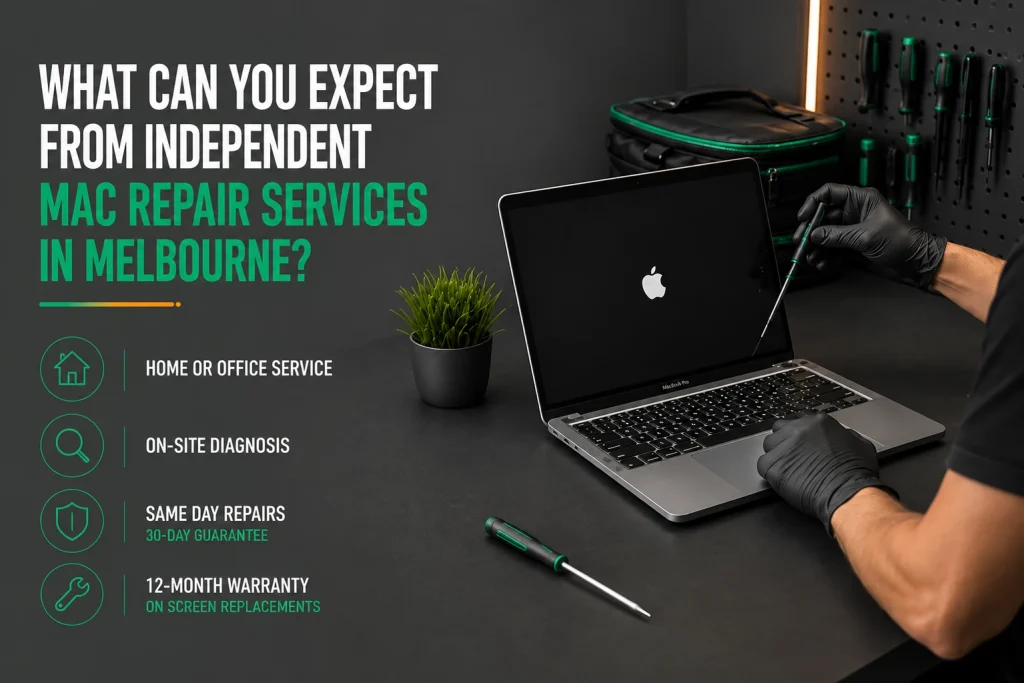
An independent Mac technician with Apple-specific training comes to your home or office anywhere in Melbourne, diagnoses your MacBook, iMac, or Mac Mini on site, gives you an upfront quote, and finishes most common Mac repairs in a single visit. The same day service is backed by a 30-day guarantee. Screen replacements carry a 12-month warranty on the part.
The No Fix, No Fee policy means you won’t be charged if the repair cannot be completed. Experienced technicians work with a wide range of Apple devices, including MacBook, iMac and Mac mini models. Whether you need a battery replacement, screen repair, keyboard repair or help with macOS issues, computer repairs Melbourne services can provide clear advice, transparent pricing and professional service from start to finish.
What Are the Most Common Mac Repairs in Melbourne?
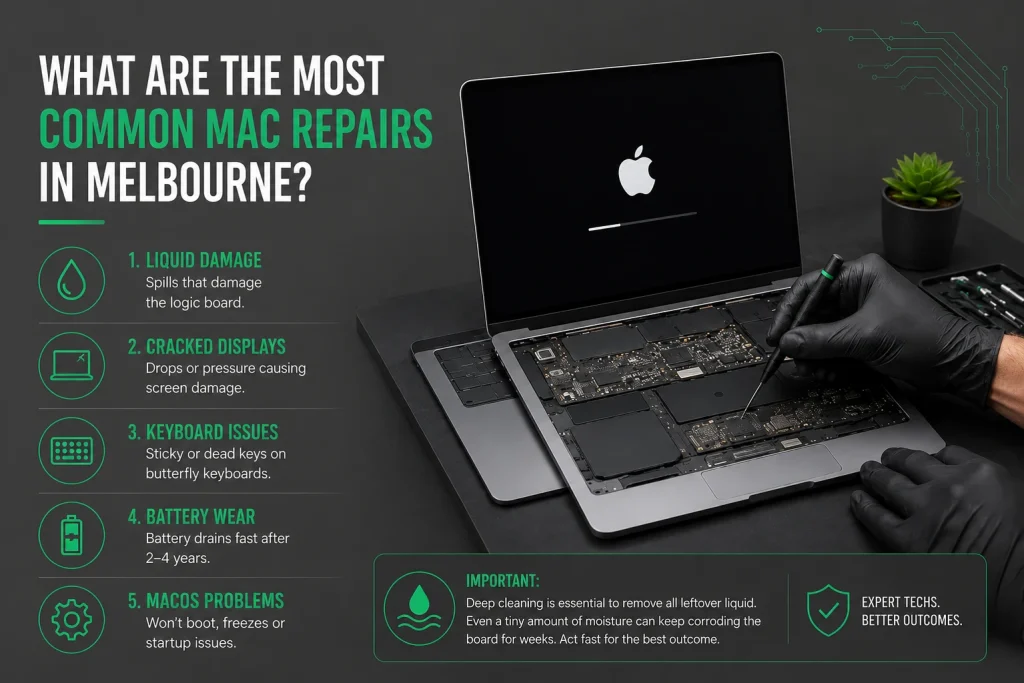
Liquid-damaged logic boards are the number one reason MacBooks come in for repair. Cracked Retina displays, failed butterfly keyboards on 2016 to 2018 MacBook Pro models, worn-out batteries, and corrupted macOS round out the top five Mac issues.
Apple makes beautiful hardware. But certain design choices lead to specific failures happening more often than on Windows laptops. Experienced expert technicians see these patterns daily and know the quickest, most cost effective fix for each.
- Liquid damage from spills that seep straight through the keyboard onto the logic board
- Cracked or flickering Retina displays from drops or pressure in a bag causing screen damage
- Sticky keys or dead keyboards on butterfly keyboard MacBook Pro models
- A MacBook battery that runs flat in under an hour after 2 to 4 years of daily charging
- macOS that will not boot, freezes, or shows startup problems on an old Mac
Deep cleaning is essential to get rid of all the leftover liquid inside a Mac. Even a tiny amount of moisture left behind keeps corroding the board for weeks after the spill. In such cases, the faster you act, the better the outcome.
Why Is Liquid Damage So Catastrophic for MacBooks?
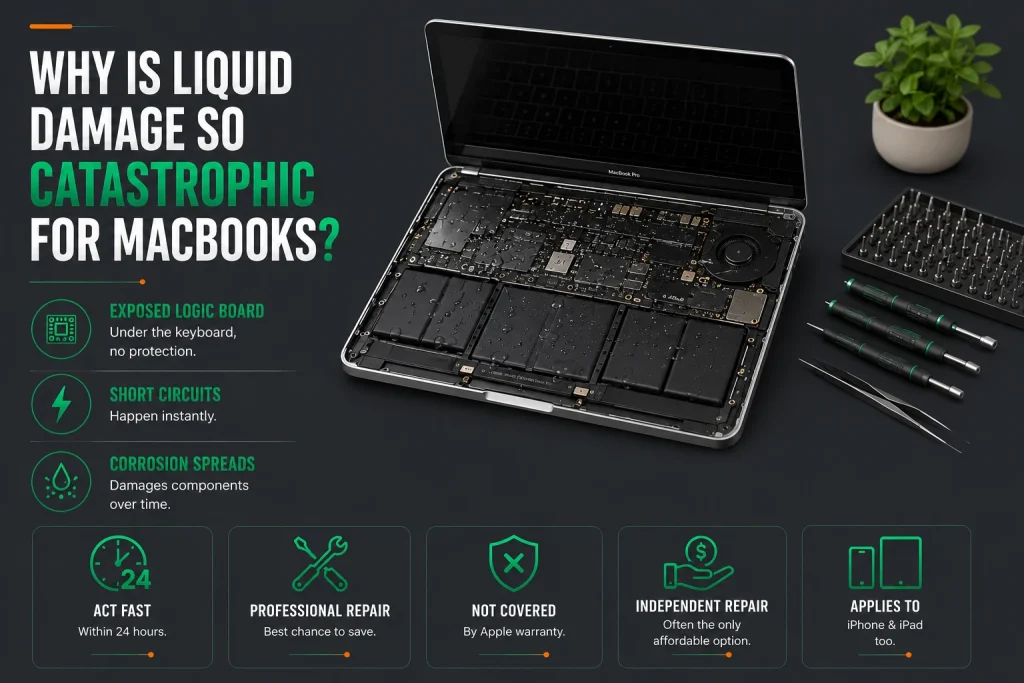
Apple puts the logic board right under the keyboard with no protective layer in between. On most Windows laptops, there is a separate keyboard deck and internal frame that slows liquid down before it hits anything important. On a MacBook, every drop that goes through the keyboard lands straight on the logic board.
Short circuits happen instantly. Corrosion spreads across the tightly packed parts over the following days and weeks. Fast professional Mac repairs within 24 hours of the spill are the best hope of saving the device. Liquid damage repairs are not covered under Apple warranty, so independent repair is often the only affordable option. The same applies to iPhone and iPad liquid damage.
What Made the Butterfly Keyboard So Failure-Prone?
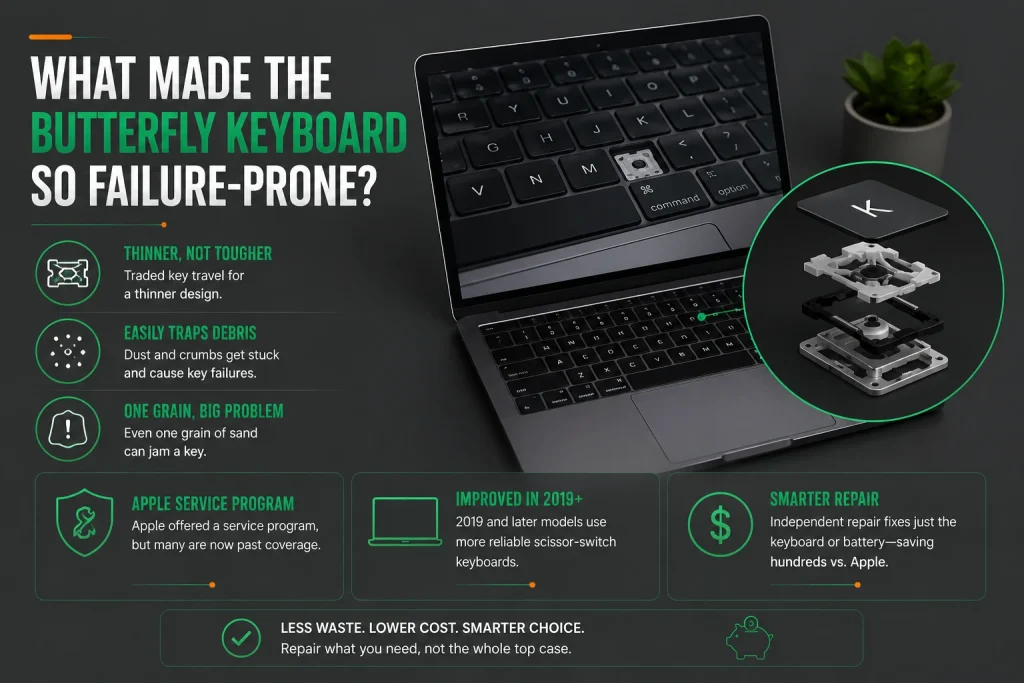
The butterfly mechanism used in MacBook Pro and MacBook Air from 2016 to 2018 traded key travel for a thinner design. The ultra-slim mechanism trapped dust and crumbs that normal keyboards would have shrugged off. One grain of sand could jam a key solid.
Apple ran a service program for affected MacBook models, but many have aged past coverage. The 2019 and later MacBook models went back to a more reliable scissor-switch design.
Independent technicians can now service those keyboards without replacing the whole top case, which saves hundreds of dollars compared to the Apple approach. For just the battery or keyboard issues on older MacBook Pro models, independent repair is the most cost effective path.
How Much Do Mac Repairs Cost Compared with Apple?
The cost of repairing a Mac depends on the model, the fault and whether replacement parts are required. Independent repairers often provide a cost-effective alternative for out-of-warranty devices by offering transparent labour rates and tailored repair options rather than replacing complete assemblies where a repair may be possible.
Nimble Nerds provides on-site Mac repairs across Melbourne from $168, which includes the first hour of labour and travel. Additional time is charged at $84 per 30 minutes, and you’ll receive an upfront quote before any work begins. Hardware repairs requiring replacement parts are quoted individually following an assessment.
| Repair Type | Typical Service | Pricing |
| MacBook Screen Repair | Screen replacement using quality replacement parts with post-repair testing | Quoted after assessment |
| Battery Replacement | Battery replacement for compatible MacBook models | Quoted after assessment |
| Keyboard Repair | Diagnosis and repair or replacement depending on the model | Quoted after assessment |
| Liquid Damage | Internal inspection, cleaning and fault diagnosis | Quoted after assessment |
| macOS & Software Issues | Startup problems, crashes, updates and software troubleshooting | From $168 for the first hour on-site |
| Performance Optimisation | macOS tune-up, storage management and general performance improvements | From $168 for the first hour on-site |
| Data Recovery | Assessment and recovery options depending on the storage configuration | Quoted after assessment |
| Remote Software Support | Remote assistance for software-related issues | $30 per 15 minutes |
Hardware repairs requiring replacement parts are quoted individually after your technician has assessed the device. On-site service starts from $168, including the first hour of labour and travel anywhere across Melbourne, with additional labour charged at $84 per 30 minutes. You’ll always receive an upfront quote before any repair work begins.
Why Choose an Independent Mac Repair Service?
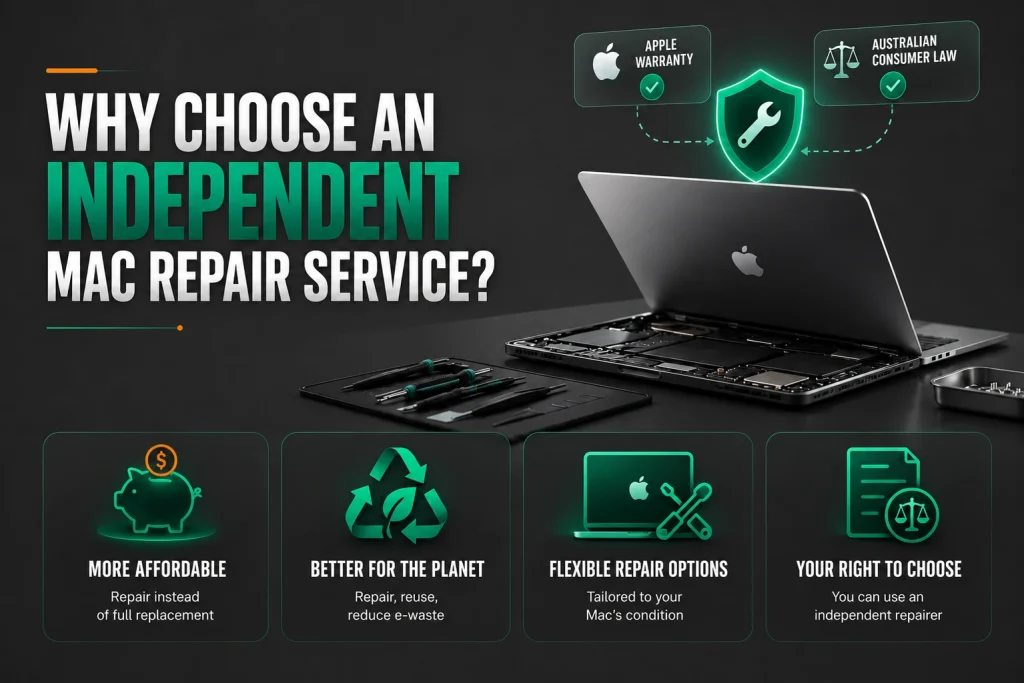
For Macs that are no longer covered by Apple’s warranty, an independent repair service can offer flexible repair options based on the condition of the device. Depending on the fault, some issues may be repairable without replacing larger assemblies, helping reduce unnecessary costs and electronic waste.
Under Australian Consumer Law, you’re free to choose an independent repairer. If your Mac is still covered by Apple’s warranty, using an independent repairer does not automatically void that warranty. However, Apple may decline warranty coverage for damage that results directly from third-party repairs.
Which Mac Models Can Still Be Repaired in Melbourne?
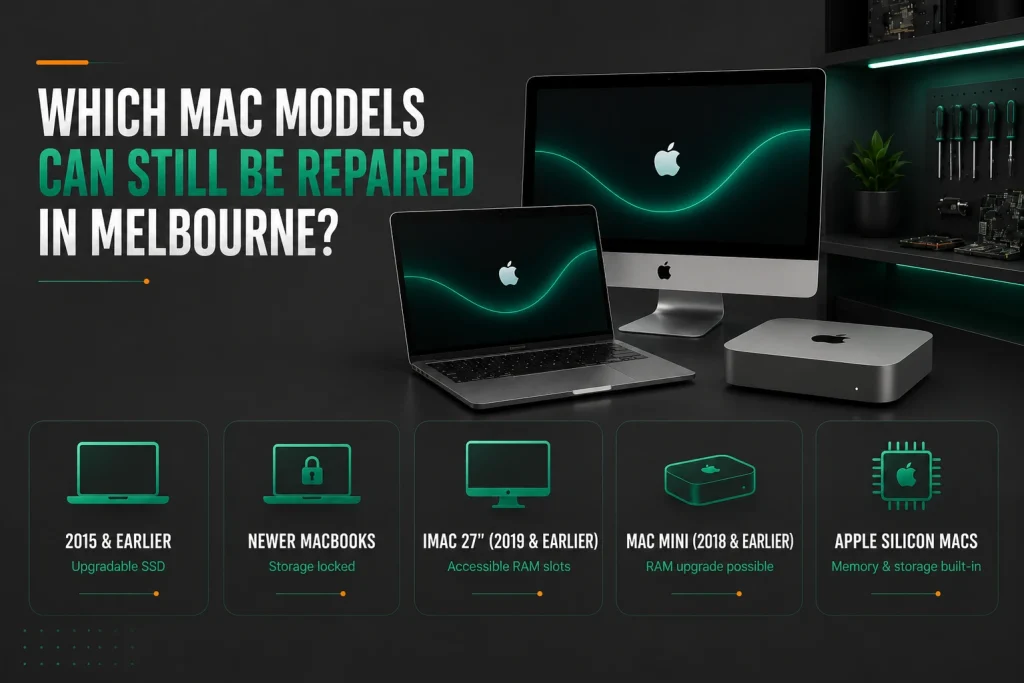
Most MacBook, iMac, and Mac Mini models from the last ten years can still be fixed. Apple Silicon Macs have memory and storage soldered in, which means fewer parts can be swapped out after purchase. But the screen, battery, and keyboard on these Mac computer models are all still replaceable by a skilled Mac repair service.
- MacBook Pro models from 2015 and earlier let you swap the SSD yourself.
- Newer MacBook models lock the storage down.
- The iMac 27-inch from 2019 and earlier has RAM slots you can reach yourself.
- Mac Mini models from 2018 and earlier let you add more RAM.
- All Apple Silicon Macs have built-in memory and storage that you cannot upgrade later.
Apple warranty covers cables and adapters as well, so check if your accessories are still covered before paying for replacements. For an old Mac that feels sluggish, a battery replacement or hard drive swap can breathe new life into the machine without the cost of a new device.
How Does MacBook Screen Replacement Work?
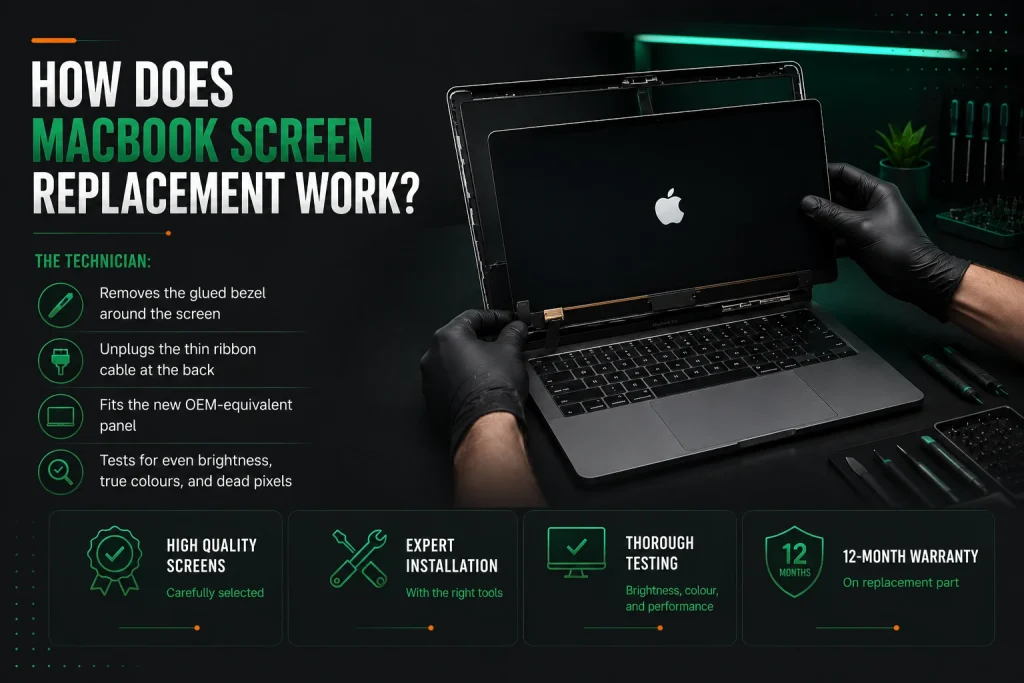
The technician:
- removes the glued bezel around the MacBook screen,
- unplugs the thin ribbon cable at the back,
- fits the new OEM-equivalent panel, and
- tests for even brightness, true colours, and dead pixels.
Apple Mac screen repairs are trickier than most Windows laptop screens because Apple uses glue instead of screws. Controlled heat and the right tools separate the glass from the lid without marking the aluminium.
Replacement screens are carefully selected to meet high quality standards and are professionally installed using the correct tools and procedures. Once fitted, the display is tested for brightness, colour accuracy and overall performance before the repair is completed. Replacement screens supplied by Nimble Nerds include a 12-month warranty on the replacement part.
A cracked or broken screen on your MacBook Air or MacBook Pro does not mean you need a whole new Mac laptop. Professional mac repairs get your device back to like-new condition.
What Should You Do Right After Spilling Liquid on a MacBook?
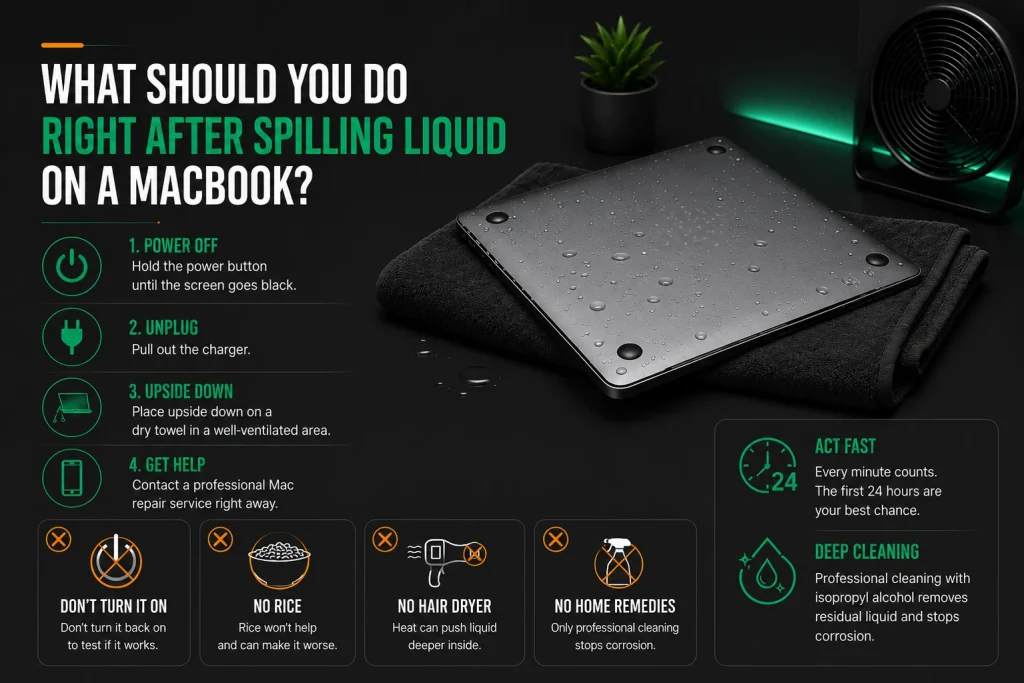
Hold the power button until the screen goes black. Pull out the charger. Put the MacBook upside down on a dry towel in a spot with good airflow. Call for professional Mac repairs straight away.
Do not turn it back on to see if it still works. Do not use rice, a hair dryer, or any home remedy you read about online. Every minute electricity runs through wet parts, corrosion spreads further. The first 24 hours are your window for professional cleaning.
After that, the odds of permanent damage shoot up. Deep cleaning with isopropyl alcohol is the only effective way to remove residual liquid and stop ongoing corrosion from destroying your Mac.
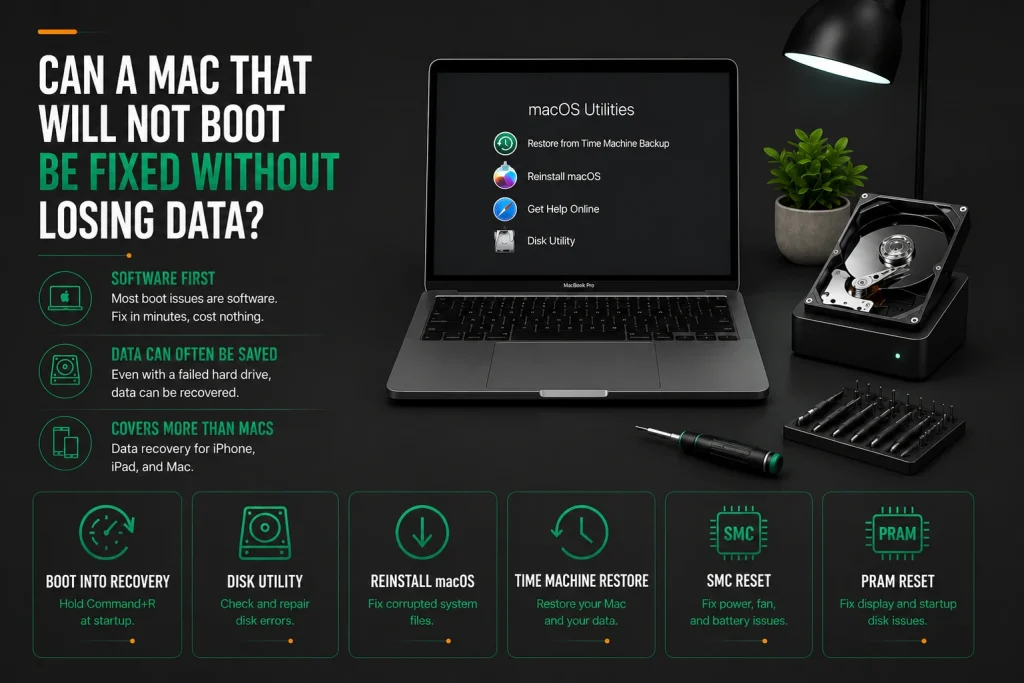
Can a Mac That Will Not Boot Be Fixed Without Losing Data?
Yes, most Mac boot failures come from software problems rather than broken hardware. Booting into macOS Recovery by holding Command+R at startup gives you Disk Utility, macOS reinstall, and Time Machine restore. An SMC reset sorts out power and fan trouble. A PRAM reset fixes display and startup disk gremlins. These take minutes and cost nothing in software.
If the hard drive has physically failed, a technician can often still pull your data off it even when macOS will not start. Data recovery service is available for MacBook models with soldered storage too, though it needs specialist tools.
The same data recovery service applies to iPhone and iPad devices. Always ask about getting your data back after repairs, especially if the logic board needs replacing. For devices with virus removal needs, the same reliable service handles malware cleanup on Mac computers alongside hardware fixes.
How Can You Tell If a Mac Repair Shop Is Trustworthy?
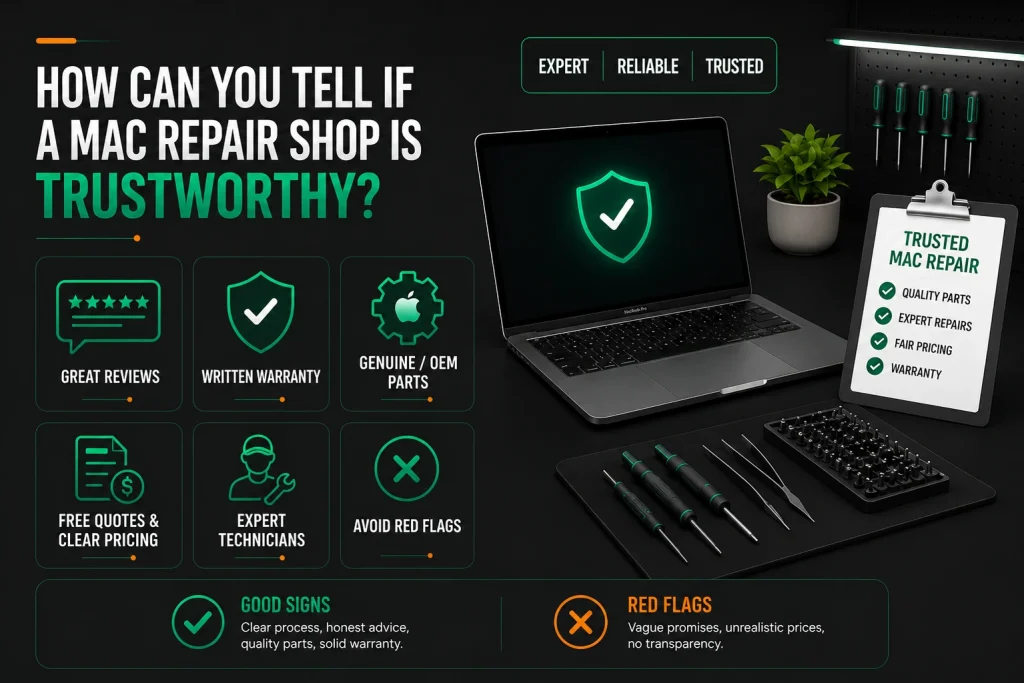
Read reviews for consistent high ratings and detailed comments about Mac-specific work. Ask for warranty terms in writing. Make sure they use genuine Apple parts or OEM-equivalent replacement parts, not the cheapest aftermarket stuff.
Good signs include free quotes, clear pricing, and technicians who can explain exactly what they will do to your MacBook model. Red flags include vague warranty promises, prices that look too good to be true, and anyone who cannot walk you through the repair process in plain language.
Avoid shops that will not give you a clear service fee breakdown before starting. A reliable service backs its work with a proper warranty and has extensive experience across all Apple devices including MacBook, iMac, iPhone, and iPad.
Frequently Asked Questions
How long should a MacBook battery last before needing replacement?
Most MacBook batteries are good for 1,000 charge cycles on models from 2016 onward and 500 cycles on older ones. You will notice the battery running down faster once you get near those numbers. In everyday use, that means about 3 to 5 years before the battery drops below 80 percent of its original charge and the Service Recommended warning pops up.
Heavy users who run the battery flat every day hit this sooner. Light users who stay plugged in might get 5 to 7 years. If your MacBook battery dies within an hour of being unplugged, it needs a new battery no matter what the cycle count says. A battery service at an independent shop costs $150 to $250.
Can data be recovered from a MacBook with a completely dead logic board?
Yes. In many cases, data recovery is still possible even if the Mac itself will not start. The recovery method depends on the model and the nature of the failure. Modern Macs often require specialised equipment and advanced techniques, so the likelihood of recovery varies from case to case. A technician can assess the device and explain the available recovery options before any work begins.
Replacing an ageing mechanical hard drive with an SSD can significantly improve the performance of many older Intel-based Macs. The exact cost depends on the Mac model, storage capacity and the parts required, so an upfront quote is provided after assessing the device.
Is it worth repairing an old Mac with a failing hard drive?
Yes, swapping a failing mechanical drive in an older iMac for an SSD is one of the best fixes you can do. An iMac from 2015 or later with a 4K or 5K display still has a beautiful screen and a processor that handles everyday work fine.
The sluggish feel almost always comes from the old mechanical drive. An SSD and fresh macOS install makes the iMac feel new, with boot times dropping from minutes to seconds. The whole job costs about $300 to $500 including the SSD and labour. That is a lot less than buying a new iMac. Apple Mac repairs of this type extend the life of the device by years.
Why do some Mac repair shops charge a service fee while others offer free quotes?
Shops that charge a service fee usually handle trickier work like logic board troubleshooting or faults that only happen sometimes and need longer testing. Shops with free quotes typically deal with obvious problems like a cracked or broken screen where the issue is visible straight away.
Some repair providers charge a diagnostic fee for faults that require extensive testing, while others provide an upfront assessment before work begins. Always ask how pricing works before booking a repair so you understand what is included. Nimble Nerds provides transparent quotes before repairs commence, and the No Fix, No Fee policy applies if the problem cannot be resolved.
Do I need to back up my Mac before a screen replacement or battery swap?
A screen repair or battery replacement should not touch your data, but backing up before any repair is always smart. Unexpected things can happen during any Mac repair. A fragile cable might snap during the job.
A current Time Machine or iCloud backup means you are covered no matter what. If you do not have a backup routine yet, the day before your repair appointment is a great time to start one. For businesses running on multiple Apple devices, regular tested backups are just good practice. The technician can also help you install backup software during the same visit.
Why Independent Mac Repairs in Melbourne Are the Better Choice
Independent Mac repairs in Melbourne deliver the same quality as going through an Apple authorised service provider, but cost less and happen faster with fast turnaround times. Apple’s service model works for warranty claims. For anything outside warranty, it gets expensive and slow. Whether you need Apple Mac repairs on a MacBook Air, MacBook Pro, iMac, or Mac Mini, independent professional mac repairs get the job done right.
An independent shop with Apple know-how uses quality replacement parts, backs the work with a 30-day guarantee and 12-month screen warranty, and talks to you like a normal person. Australian consumer law protects your right to choose who fixes your device.
Using that right saves money and time. If your Mac is beyond fixing and you are thinking of switching platforms, installing Windows 11 on a new machine is straightforward. For businesses juggling multiple Apple devices and PCs, IT support solutions keep everything running across both platforms with the same reliable service.
[Book your Mac repair with a Melbourne Apple specialist today. Call Nimble Nerds on 02 8091 0815 for an upfront quote and same-day availability. No fee guarantee on all repairs.]
Related Articles
- https://nimblenerds.com.au/computer-repairs-melbourne/
- https://nimblenerds.com.au/how-to-install-windows-11/
- https://nimblenerds.com.au/it-support-solutions/
References