
Laptop repairs Melbourne services fix the most common laptop issues including cracked screens, failing batteries, liquid damage, overheating, and slow performance. Most on-site jobs finish within 2 to 4 hours on the same day you call. Research firm IDC reported Australians bought more than 4 million personal computers in 2023, and every one of those machines will need some form of repair or upgrade during its life.
Understanding what is wrong and how the repair process works helps you make smart choices instead of rushed ones when something breaks. Whether your laptop is a Dell, HP, Lenovo, Acer, or ASUS, a skilled technician can sort out the problem on site.
Key Insights
- Most common laptop repairs including screen replacements, battery swaps, and performance upgrades finish on site within 2 to 4 hours on the same day you call.
- On-site service starts at $168 for the first hour including travel, with all work backed by a 30-day service guarantee and screen replacements carrying a 12-month warranty.
- The No Fix No Fee policy means you pay nothing if the technician cannot complete the repair, and the upfront quote after diagnosis ensures no billing surprises.

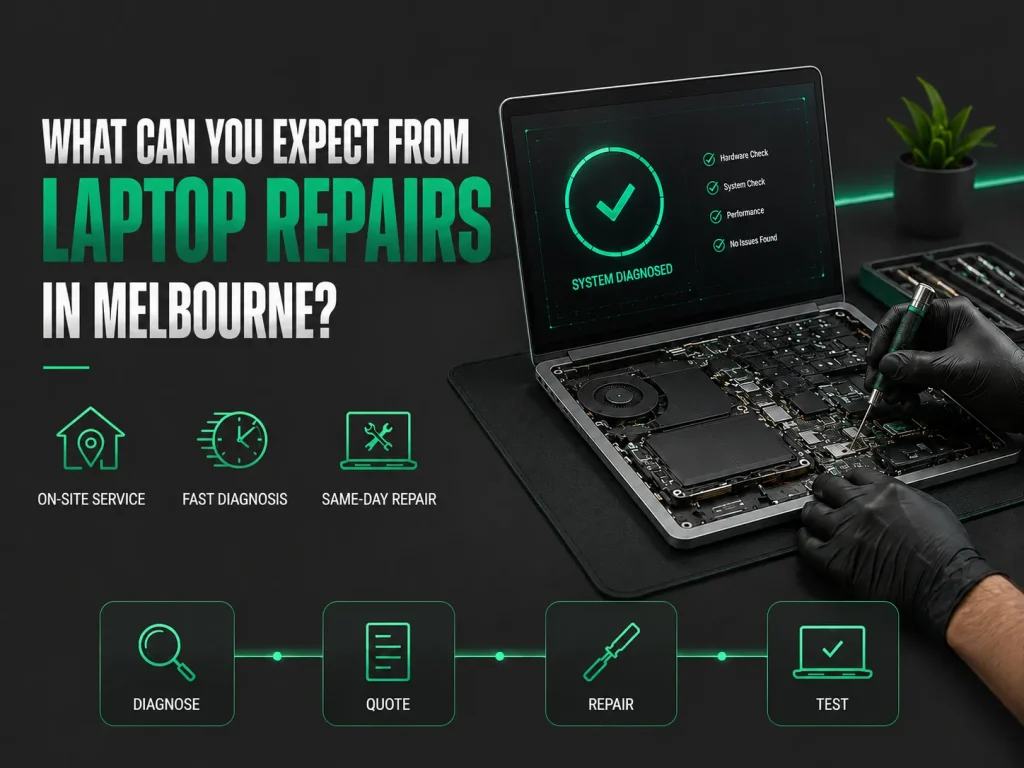
What Can You Expect From Laptop Repairs in Melbourne?
A qualified technician comes to your home or office, works out the computer problem within 30 minutes, gives you an upfront quote, and fixes most common issues during the same visit. On-site laptop repair services start at $168 for the first hour including travel.
All work comes with a 30-day service guarantee, and screen replacements carry an extra 12-month warranty on the part itself. UnderAustralian Consumer Law, repair services must be provided with due care and skill, giving you added protection.
What Are the Most Common Laptop Problems That Need Repair?
Cracked laptop screens, batteries that will not hold a charge, liquid damage, overheating from dust buildup, and slow performance from ageing hardware are the five most frequent reasons Melbourne laptop owners call a repair service.
Most laptop issues fall into predictable groups. A technician who handles laptop repairs every day sees the same patterns across brands and models. This experience means faster diagnosis and fewer wrong guesses.
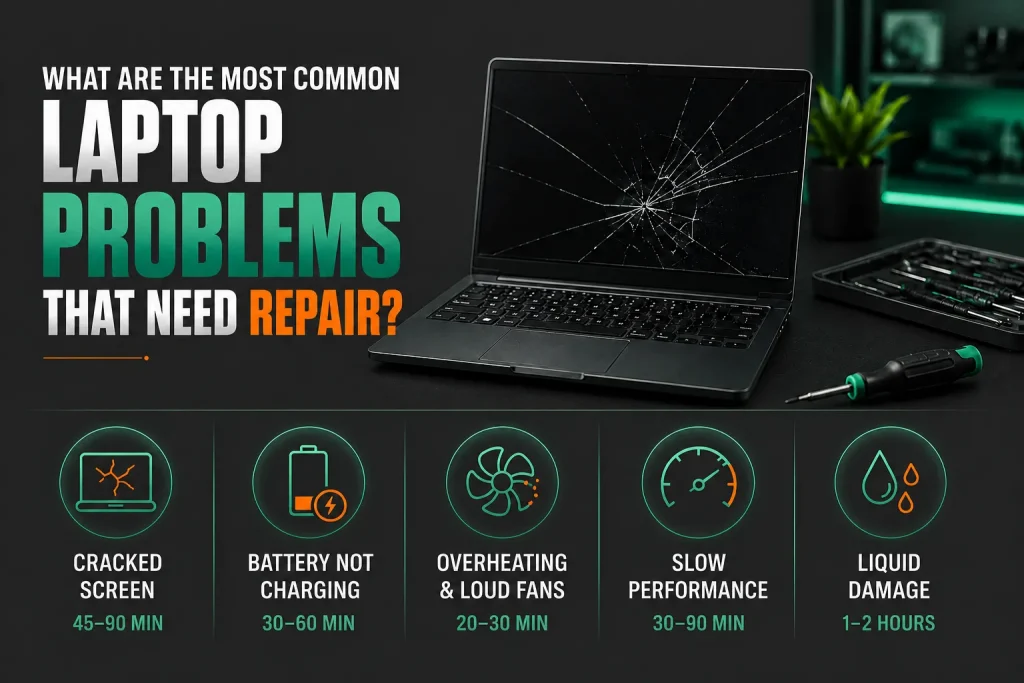
| Problem | Common Cause | Typical Fix Time |
| Cracked or broken screen | Drop or impact damage | 45-90 minutes |
| Battery not charging | Degraded cells after 300-500 cycles | 30-60 minutes |
| Overheating and loud fans | Dust-clogged cooling system | 20-30 minutes |
| Slow performance | Not enough RAM or ageing hard drive | 30-90 minutes |
| Liquid damage | Spilled drink on keyboard | 1-2 hours initial clean |
Why Does a Laptop Overheat Even When Only Running Basic Programs?
Dust collecting inside the cooling system is the main cause. Over time, fans pull in airborne particles that settle on the heatsink fins and block airflow.
As cooling drops, the processor slows itself down on purpose to avoid damage. This is called thermal throttling. The laptop feels slow because it is running slower to stay cool. Cleaning out the fans and inside parts brings temperatures back to normal in about 20 minutes.
How Does Liquid Damage Actually Destroy a Laptop?
Liquid causes short circuits when electricity runs through wet parts. Over time, minerals in the liquid eat away at the tiny solder joints on the logic board. Apple MacBook models are at extra risk because the keyboard sits right on top of the logic board with nothing in between.
The damage gets worse every hour the battery stays plugged in. Turning it off right away and getting professional help within 24 hours gives you the best shot at saving it.
Which Laptop Brands Need Repairs Most Often in Melbourne?
All major laptop brands including Dell, HP, Lenovo, Acer, ASUS, and Apple develop faults over time. The types of failures differ between brands based on how they are built. Dell laptops often need DC jack and battery repairs. HP models tend to develop hinge problems.
Lenovo ThinkPads frequently need keyboard replacements. Acer and ASUS consumer laptops overheat more often. Apple MacBook repairs cost more because the parts are soldered in and harder to swap. No matter the brand, qualified technicians with the right expertise can fix it.
How Much Do Laptop Repairs Cost in Melbourne?
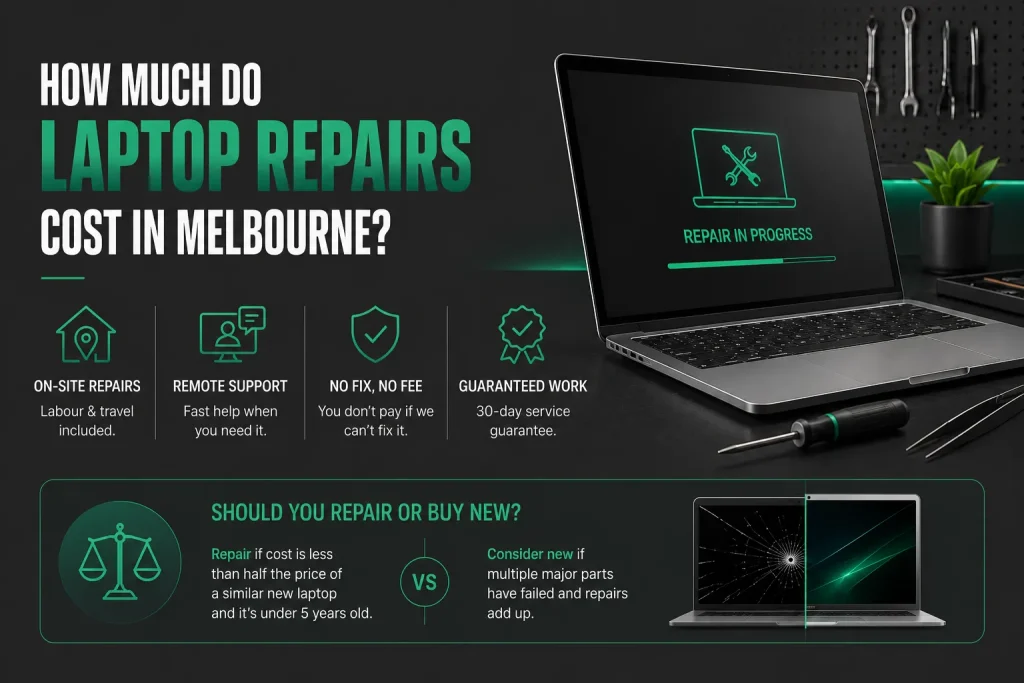
On-site laptop repairs start from $168, which includes the first hour of labour and travel anywhere across Melbourne. If additional time is required, it is charged at $84 per 30 minutes. Before any work begins, your technician will provide an upfront estimate so you know exactly what to expect.
Many software issues can be resolved remotely for $30 per 15 minutes, making remote support a fast and cost-effective option when an on-site visit isn’t necessary.
Repair costs can vary depending on the type of fault, the laptop model, and whether replacement parts are required. Hardware repairs such as screen replacements, battery replacements, keyboard repairs, or component upgrades are quoted individually after the technician has assessed the device. This ensures you only pay for the parts and labour your repair actually requires.
Nimble Nerds follows a No Fix, No Fee approach, meaning you won’t be charged if the problem cannot be resolved. All pricing is transparent, with no hidden fees, and every repair is backed by a 30-day service guarantee. Screen replacements also include a 12-month warranty on the replacement part.
Should You Repair Your Old Laptop or Buy a New Laptop?
If the repair costs less than half the price of a similar new laptop and your current machine is under five years old, fixing it usually makes more financial sense.
The maths changes when several parts have failed. A laptop with a cracked screen, dying battery, and slow hard drive might need $600 in total repairs. A new laptop with an SSD and modern processor might cost $900. A technician checks the whole machine and gives you an honest answer.
How Does the On-Site Laptop Repair Process Work?
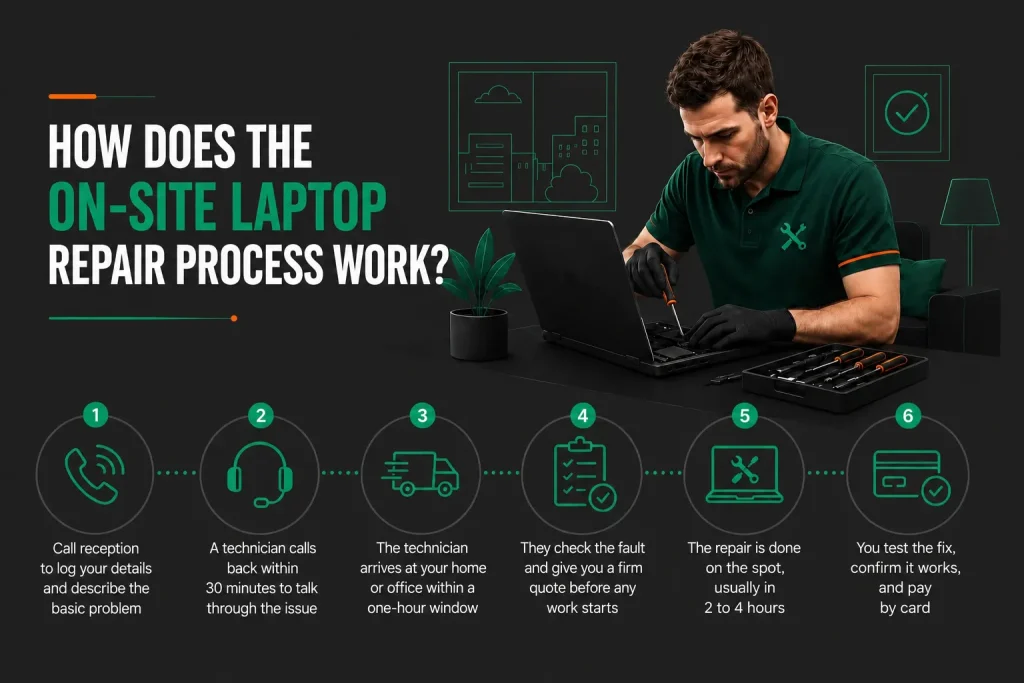
It starts with a phone call. A technician rings you back within 30 minutes for a chat with no obligation. Then they come to you within a one-hour arrival window and finish the repair at your place.
On-site laptop repair services remove the hassle of unplugging everything, packing up the laptop, and driving to a shop. The repair happens while you watch or get on with other things.
- Call reception to log your details and describe the basic problem
- A technician calls back within 30 minutes to talk through the issue
- The technician arrives at your home or office within a one-hour window if you’d like to schedule an appointment
- They check the fault and give you a firm quote before any work starts
- The repair is done on the spot, usually in 2 to 4 hours
- You test the fix, confirm it works, and pay by card
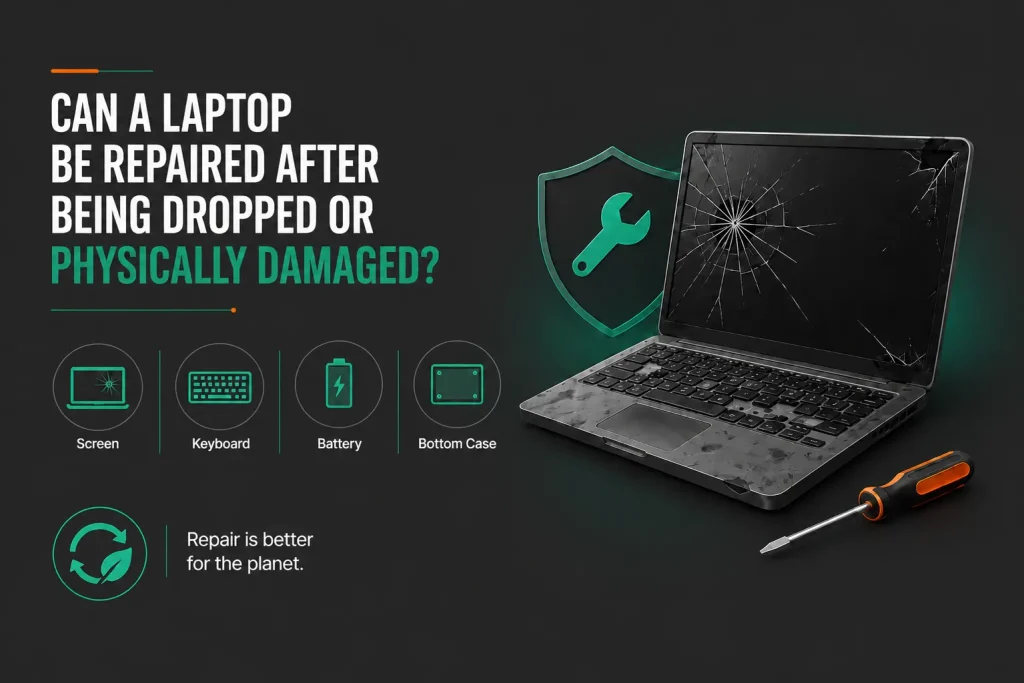
Can a Laptop Be Repaired After Being Dropped or Physically Damaged?
Yes, most physical damage can be fixed by swapping out the broken parts. The screen, keyboard, battery, and bottom case are the most commonly replaced pieces. Repairing rather than replacing also keeps electronics out of landfill, whichthe Australian Government identifies as a priority under its product stewardship initiatives for e-waste.
Logic board damage is the hardest to fix because it needs specialist tools and micro-soldering skill. A full check finds every damaged part so the quote covers the whole job, not just the most obvious problem.
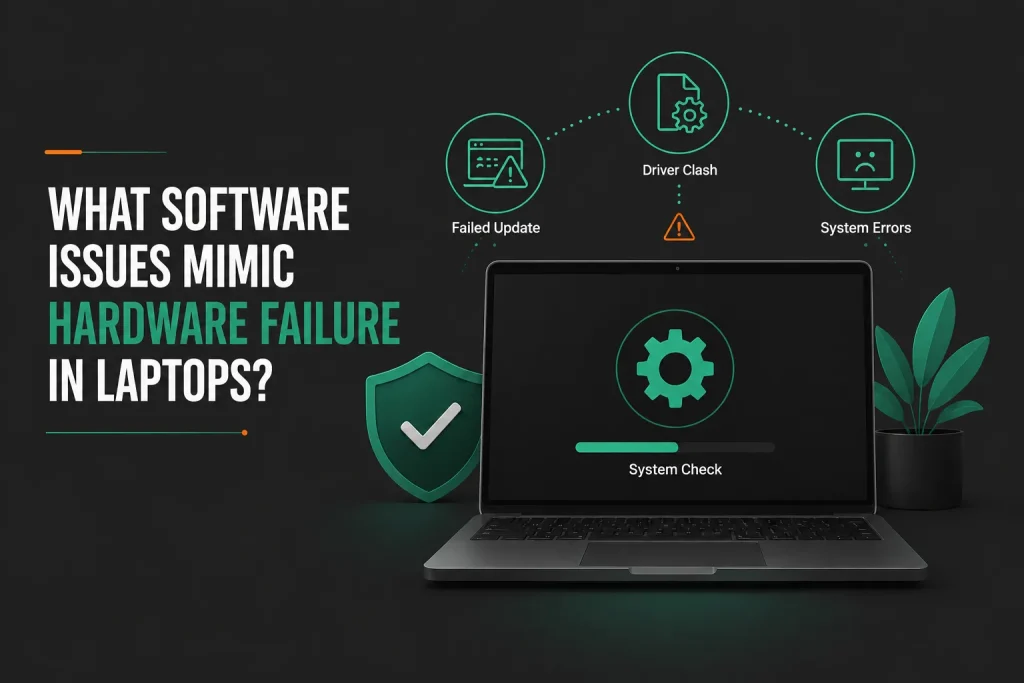
What Software Issues Mimic Hardware Failure in Laptops?
A damaged Windows installation, a failed update, or a driver clash can cause freezing, crashing, and boot problems that look just like serious hardware faults but cost far less to sort out.
Before you spend money on hardware, a technician rules out software causes by booting into Safe Mode and running system checks. This software check is part of the diagnosis and can save you hundreds of dollars.
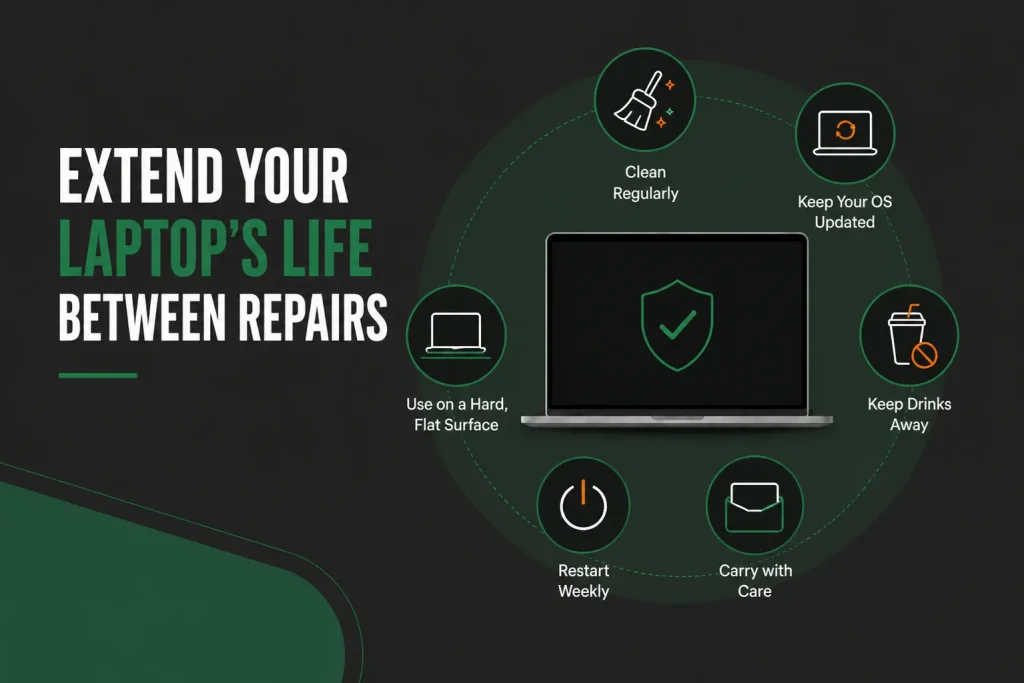
How Can You Extend the Life of Your Laptop Between Repairs?
Clean the inside every 12 to 18 months, keep the operating system updated, and always use the laptop on a hard flat surface rather than on a bed or cushion. Keep drinks well away from the keyboard. Shut down or restart at least once a week to apply pending updates.
Carry the laptop in a padded sleeve inside your bag. These small habits stop the most common causes of early failure. If performance has already dropped,fixing a slow computer with simple upgrades can add years to its life.
Frequently Asked Questions
Can a technician recover important files from a laptop that will not turn on?
Yes, in most cases. If the storage drive inside the laptop still works, a technician takes it out and plugs it into a working computer using an adapter. Your files show up just like they were on an external drive. This works for laptops with removable drives. For newer ultrabooks and MacBooks with storage soldered to the board, the job is harder but still doable through specialist recovery methods.
How do I know if my laptop battery needs replacing or if the charging port is faulty?
A technician checks this in minutes with a multimeter. If the charger gives the right voltage but the laptop does not see it, the DC jack or charging circuit is broken. If the laptop shows a charging symbol but the battery runs down fast when unplugged, the battery needs swapping. Software tools can also read the battery’s cycle count and health. Most laptop batteries are good for 300 to 500 full charges before they drop below 80 percent capacity, which is when you should replace them.
Is it worth upgrading an old laptop rather than repairing a fault?
It depends on the fault and what the laptop already has. If it needs a new screen that costs $300 and also has a slow mechanical hard drive, adding an SSD during the same visit costs about $150 and changes the whole feel of the machine. That $450 total gives you a laptop that looks and feels new. If it needs a logic board costing $600 and is five years old with a processor that struggles with current software, putting that money toward a new laptop makes more sense.
What should I back up before a technician works on my laptop?
Back up anything you cannot afford to lose: documents, photos, videos, email archives, and browser bookmarks. Even though professional technicians take every care, unexpected things can happen during any repair. An external hard drive or cloud storage service handles this easily. If the laptop will not turn on and you cannot do a backup, tell them when you book so the technician arrives ready to try saving your data before starting the repair.
Can a laptop with a cracked screen still be used with an external monitor?
Yes, plugging in an external monitor through the HDMI, DisplayPort, or USB-C port gives you a working display straight away. Most laptops pick up the external screen on their own. If the built-in screen is completely dead, close the lid after connecting the external display and use a separate keyboard and mouse. This lets you keep working until the repair appointment.
If my laptop won’t turn on and I have important files on it, can a technician still get my data back?
Yes, in many cases. If the storage drive is still working, a technician can remove it and copy your files to another computer. Logical data recovery (deleted files, software issues) is quoted after a $140 one-hour assessment and typically takes 1-3 days. Physical damage requiring cleanroom work on a hard drive typically costs $420-$1,800 and takes 3-7 days, while RAID arrays or multi-drive setups can run $500-$2,500 depending on complexity.
What is the difference between on-site laptop repair and dropping my laptop off at a shop?
On-site repair means a technician comes to your home or office, offering convenience and less downtime. Drop-off repair at a workshop is often cheaper and can be more thorough for complex issues. However, you must transport your laptop and wait days for completion, while on-site fixes usually finish the same day.
What happens to my personal files and privacy when a technician repairs my laptop?
Technicians have full access to your device during repair and may access personal data, either accidentally or intentionally. Most hardware repairs like screen or battery replacement do not require accessing your files. Ask about privacy policy, back up your data first, and consider using a temporary guest profile.
Why Professional Laptop Repairs in Melbourne Are the Smart Choice
A broken laptop throws a spanner in your work, study, and downtime. Professional laptop repairs in Melbourne get the most common faults fixed within hours on the same day. No dropping the machine at a shop and waiting days for it to come back. On-site service with upfront pricing, a 30-day guarantee, and a no fix no fee policy takes every risk out of the process.
The technician comes to you, fixes the problem in one go, and backs the work. For most common faults, you lose hours, not days. Whether you are in Melbourne CBD, South Yarra, Port Melbourne, or anywhere across greater Melbourne, same day service runs with no weekend surcharge. For businesses that need support for several laptops,IT support solutions keep your whole team working.
[Book your laptop repair in Melbourne today. CallNimble Nerds on 02 8091 0815 for a no-obligation quote and same-day availability.]
Related Articles
- https://nimblenerds.com.au/it-support-solutions/
- https://nimblenerds.com.au/how-to-repair-a-slow-computer/
- https://nimblenerds.com.au/computer-repairs-melbourne/
References
- https://www.accc.gov.au/consumers/consumer-rights-guarantees/consumer-guarantees
- https://www.dcceew.gov.au/environment/protection/waste/product-stewardship