Network setup Melbourne services eliminate Wi-Fi dead zones, configure routers for maximum speed, and run data cabling for businesses so every device connects reliably. NBN Co reports more than 12 million Australian premises are now connected, but your home network determines whether you actually get the speed you pay for.
Here is how professional network setup works and why it matters more than most people realise.
Quick Takeaways
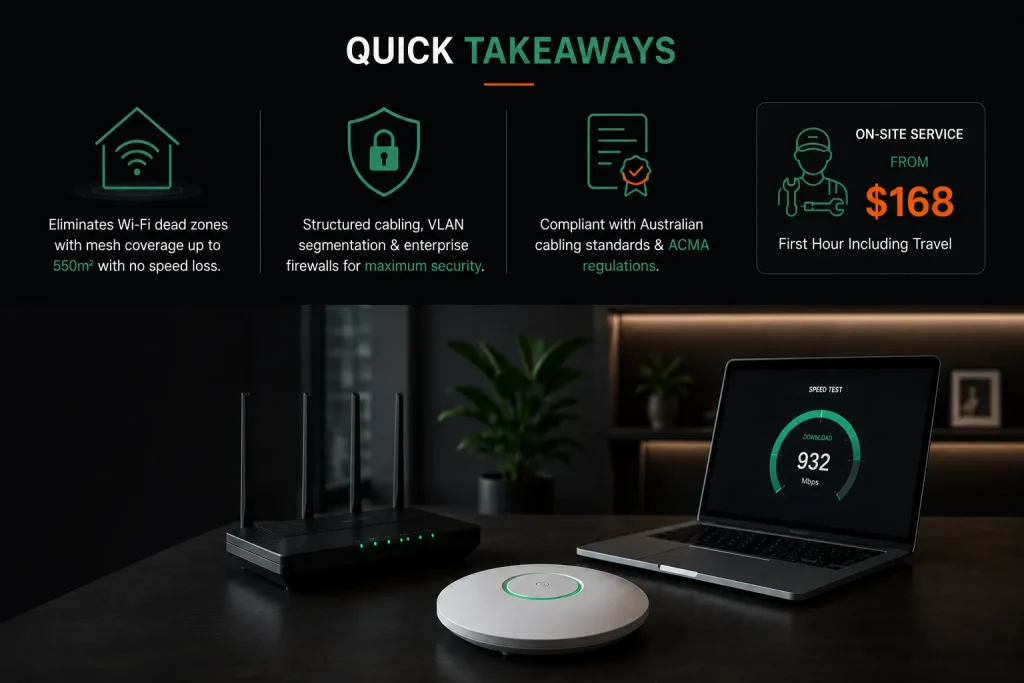
- A professionally configured home network eliminates Wi-Fi dead zones and buffering, with mesh Wi-Fi systems providing seamless coverage across up to 550 square metres without speed loss.
- Business network setup includes structured cabling, VLAN segmentation for security, and enterprise-grade firewalls that keep guest traffic isolated from sensitive company data.
- Professional installation ensures compliance with Australian cabling standards and ACMA regulations, with on-site service starting at $168 for the first hour.
What Can You Expect From Professional Network Setup Services in Melbourne?
A local technician surveys your home or office and finds weak Wi-Fi signal spots and interference sources. They reposition or replace gear, tune router configuration for best performance, and install extra access points or a mesh Wi-Fi system if needed. Coverage is tested in every room before they leave.
On-site service starts at $168 for the first hour including travel. Professional installation makes sure your Wi-Fi network runs at its best from day one. Home network installation covers everything from basic Wi-Fi setup to full wired network solutions with data points throughout the property. Professional setups take 1 to 4 hours depending on property size.
Whether you need better Wi-Fi coverage at home or a complete business network solution, Network Setup Melbourne specialists ensure your devices, routers, and access points are configured for reliable performance.
A professional network setup Melbourne service ensures your routers, access points, and cabling are configured correctly for reliable performance across your property.
Why Does Home Wi-Fi Become Unreliable?
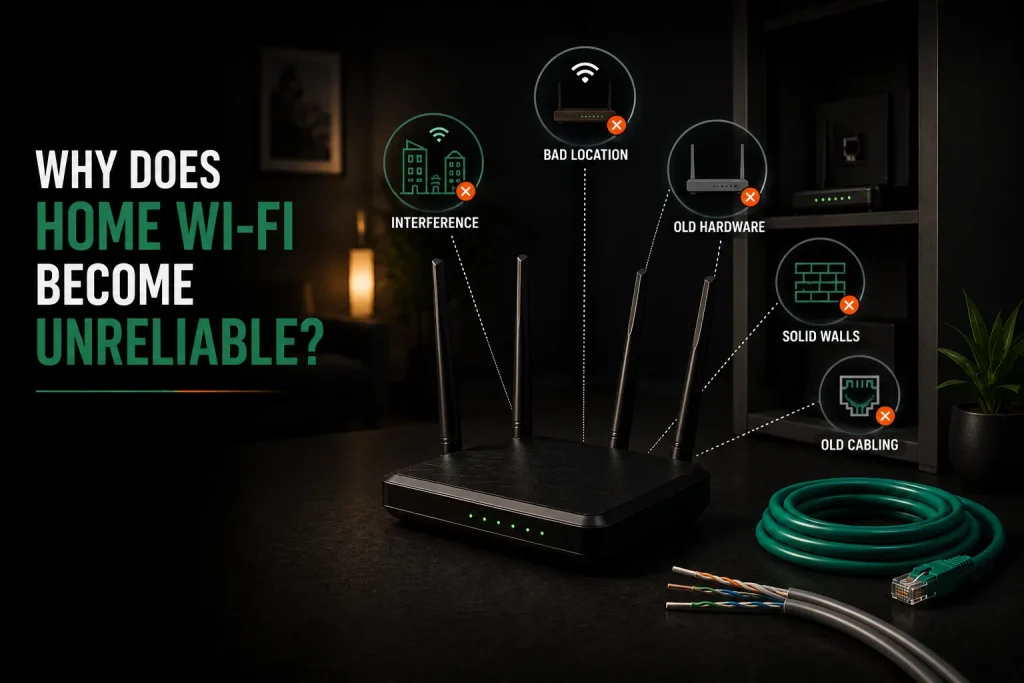
A modem router in a bad spot is the top cause of weak Wi-Fi. Interference from neighbouring wireless networks comes next. Old router hardware that cannot handle lots of connected devices is the third big reason. Solid brick walls in older Melbourne homes block Wi-Fi signal almost completely.
Wireless networks are flexible but can be unstable without proper setup. Your NBN plan sets the ceiling but your home network decides what speed actually reaches each device. Slow internet and Wi-Fi drops happen when the network cannot keep up. Upgrade to Wi-Fi 6 for better speeds and improved performance with multiple devices.
- A modem router stuffed in a cupboard blasts signal through layers of obstacles
- In flats, dozens of networks fight over a handful of radio channels
- A 2018 router for 5 devices chokes on a 2026 home with 20 connected gadgets
- Solid brick walls in older Melbourne homes block Wi-Fi signal almost completely
- Old Cat5 cabling cannot handle high-speed NBN connections
- Poor cabling and router configuration cause unreliable connections throughout
How Does Channel Congestion Affect Wi-Fi?
The 2.4 GHz band has only three non-overlapping channels. In a block of flats with 40 visible networks, all 40 share those three channels. When several routers blast at once, data packets crash into each other and must be resent, cutting real speed.
Moving to the 5 GHz or 6 GHz band gives far more channels and less traffic. A network technician uses a spectrum analyser to find clean channels and locks your Wi-Fi router to them. Using Cat6 cabling enhances speed and reduces interference for wired connections.
Mesh Wi-Fi vs Range Extender: Which Works Best for Melbourne Network Setup?
A mesh Wi-Fi system uses several units talking on a private backhaul channel with one network name. This gives smooth wireless coverage with no speed loss. A range extender repeats the main signal, cuts speed in half, and creates a second network name devices often refuse to switch to.
Mesh systems cost $200 to $800 for the hardware. Extenders cost $50 to $150 each. For homes with dead zones, weak Wi-Fi, or multiple floors, mesh Wi-Fi systems deliver the reliable connection you need without the frustration of unreliable connections.
Choosing the right network setup Melbourne solution helps eliminate Wi-Fi dead zones and provides stable coverage across larger homes and offices.
| Feature | Mesh Wi-Fi System | Range Extender |
| Network Name | One name everywhere | Different per extender |
| Speed | Full speed via backhaul | Up to 50% slower |
| Device Handoff | Smooth roaming | Devices stick to weak signal |
| Coverage | 250–550 sqm with 2–3 units | Varies |
| Cost | $200–$800 | $50–$150 |
What Does Business Network Setup in Melbourne Involve?
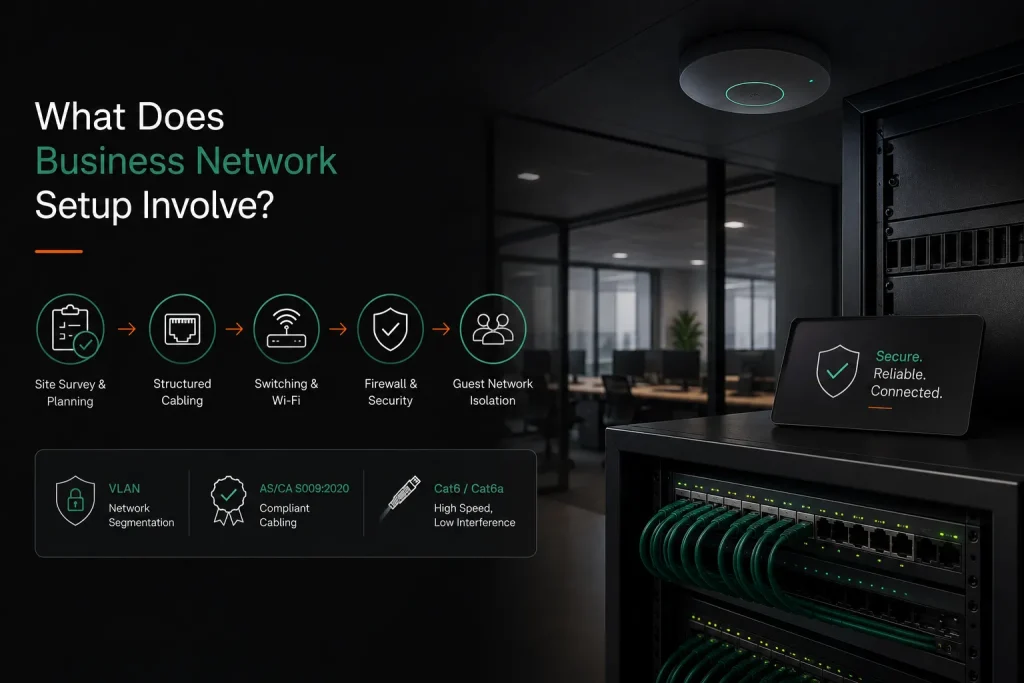
A business network setup starts with a site survey to map the office layout. Structured Ethernet cabling runs to every desk with business-grade switching and wireless access points installed throughout. Network segmentation into VLANs isolates different types of traffic for security.
A firewall with threat detection controls what enters and leaves the network. Guest networks keep visitors away from company data. Cabling must meet AS/CA S009:2020 standards. The ACMA requires registered cablers for telecommunications work.
Data cabling and data points form the foundation of a reliable office network. Using Cat6 or Cat6a cabling enhances network speed and reduces interference for wired connections. Our network support services cover everything from planning to installation and ongoing management.
How Do Smart Home Devices Affect Your Network?
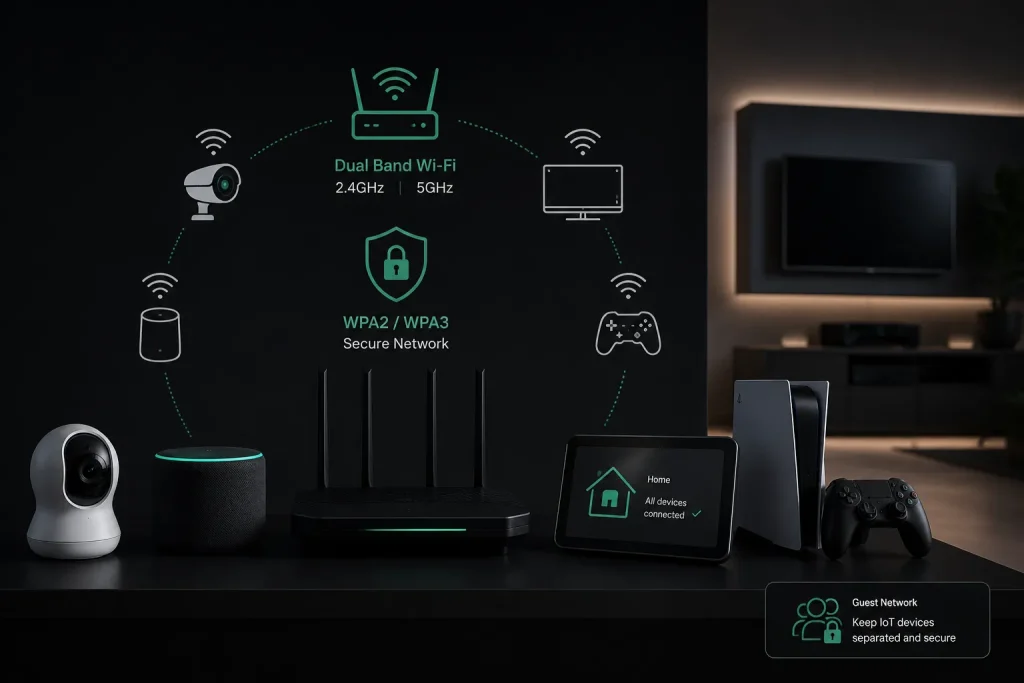
Smart home devices like security cameras, smart speakers, smart TVs, and gaming consoles often only work on 2.4 GHz Wi-Fi. They need specific router settings to stay connected reliably. A basic ISP router can choke when 15 to 30 smart devices fight for airtime.
Many smart devices cannot even see 5 GHz networks at all. WPA2 and WPA3 encryption is recommended for securing Wi-Fi networks. A technician sets up the router to broadcast both bands properly so every device connects. Guest networks keep IoT devices safely separated from your main computers.
How Much Does Professional Network Setup Cost?
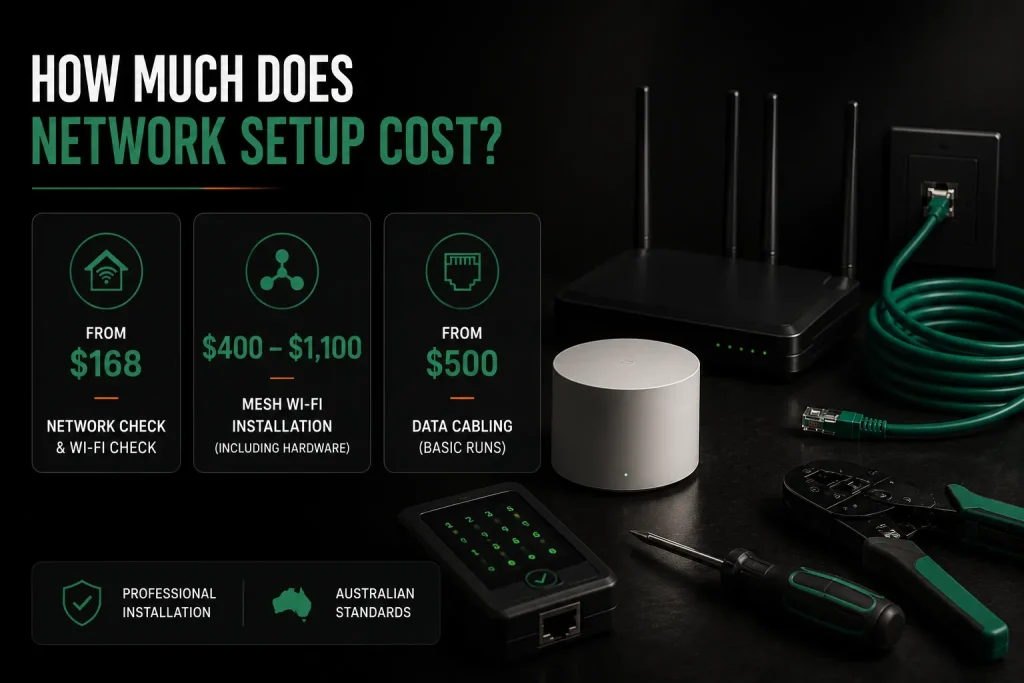
A basic home network setup and Wi-Fi check starts at $168 for the first hour. A mesh Wi-Fi installation with hardware costs $400 to $1,100 including equipment. Full home network setup runs $300 to $500 for standard installations. Wired Ethernet cabling starts at $500 for basic runs.
Full network cabling jobs range from $600 to $1,200 depending on the number of data points needed. Business network setup is quoted per project after a site survey. Professional installation ensures compliance with Australian regulations. With Network Setup Melbourne services, pricing is based on your specific requirements, including property size, network complexity, equipment needs, and cabling installation.
Why Professional Home Network Installation Matters for Melbourne Homes
More Melbourne households now rely on home networks for work, study, and entertainment. A poorly set up home network leads to Wi-Fi dead zones, slow internet, and unreliable connections that frustrate everyone in the house.
Professional home network installation services survey your property and identify the best locations for your modem router and wireless access points. They consider building materials, multiple floors, and interference from neighbouring wireless networks.
Professional installation also includes security configuration, with enterprise-grade tools like BitDefender GravityZone protecting your network from threats.
A local technician installs your Wi-Fi systems correctly the first time. They configure your router setup for optimal performance across all your devices. This means no more Wi-Fi drops during important video calls or online meetings.
Benefits of professional home network setup:
- Eliminates Wi-Fi dead zones throughout your home
- Ensures reliable connection for smart home devices
- Optimises router configuration for your specific property
- Provides seamless roaming between access points
- Saves you hours of troubleshooting poor Wi-Fi
Professional installation costs less than the frustration of unreliable Wi-Fi. Melbourne suburbs from the CBD to outer areas now have access to same day service from experienced network technicians.
Mesh Wi-Fi Systems vs Traditional Routers
A single Wi-Fi router worked well when homes had few devices. Modern homes with smart speakers, security cameras, gaming consoles, and smart tvs need stronger wireless networks that cover every room.
Mesh Wi-Fi systems use multiple units that talk to each other over a dedicated backhaul channel. This gives seamless wireless coverage across large homes with no speed loss. Traditional routers struggle with multiple floors and solid walls.
Wi-Fi dead zones disappear with mesh Wi-Fi. Your devices switch automatically between units without dropping the connection. This makes mesh Wi-Fi ideal for home offices and households with many wireless devices.
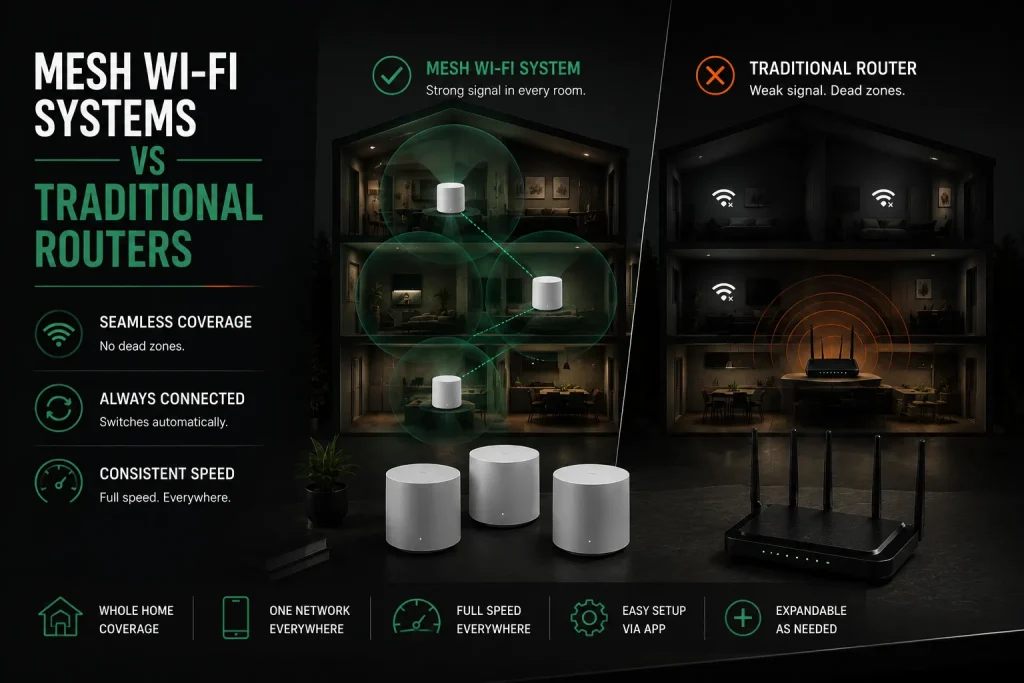
Why mesh Wi-Fi systems outperform traditional routers:
- Consistent Wi-Fi signal across multiple floors
- No separate network names to switch between
- Full speed even at the edges of your property
- Easy setup through mobile apps
- Expandable by adding more units as needed
Professional installation of mesh Wi-Fi systems ensures optimal placement of each unit. Network technicians test Wi-Fi coverage in every room and adjust access points to eliminate weak Wi-Fi spots.
Data Cabling for Reliable Network Setup and Wired Connections
While Wi-Fi is convenient, wired network connections provide faster and more reliable internet for critical devices. Data cabling delivers speeds up to 1,000 Mbps, far exceeding what most Wi-Fi systems can achieve.
Installing ethernet cables to desktop computers, gaming consoles, and smart tvs frees up Wi-Fi bandwidth for wireless devices. This improves performance across your entire home network. Professional data cabling also future-proofs your property for faster NBN plans.
Poor cabling is a common cause of slow internet and unreliable connections. Old Cat5 cables cannot handle high-speed NBN connections. Upgrading to Cat6 or Cat6a cabling enhances network speed and reduces interference.
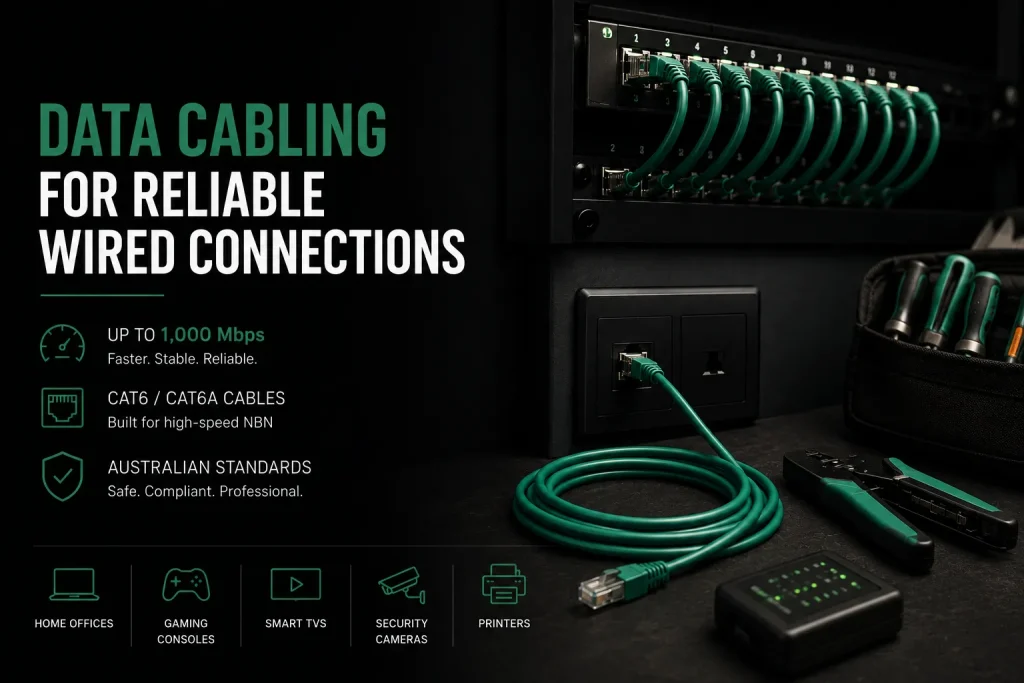
Where wired connections make the biggest difference:
- Home offices requiring stable video calls
- Gaming consoles needing low latency
- Smart tvs streaming 4K content
- Security cameras requiring constant bandwidth
- Printer sharing across multiple computers
Professional installation of data cabling ensures compliance with Australian standards. Telecommunications cables must be separated from electrical wiring for safety. Network technicians install data points throughout your property for a complete wired network solution.
Frequently Asked Questions
Why does internet slow down every evening with a fast NBN plan?
Evening slowdowns happen because everyone gets online at once, jamming shared NBN infrastructure. On FTTN and FTTC, the copper to your home is yours but the fibre to the node is shared among dozens or hundreds of premises. More neighbours streaming means less bandwidth.
A higher speed tier helps a bit. FTTP gives the most consistent speeds during peak hours. Fixed wireless also experiences congestion in some areas. A local technician can check if your internet service or home network is the real problem.
Can I set up separate Wi-Fi for tenants safely?
Yes, most routers have a guest network with its own Wi-Fi name and password. Guests get internet but cannot see your computers or storage. For permanent tenants, a router with VLAN support creates separate subnets. A local technician sets up either option in under an hour.
Should I use my ISP router or buy my own?
ISP routers are built cheap and work okay for small flats with a few devices. For larger homes, home offices, 4K streaming, or more than 10 devices, a quality third-party router or mesh system is far better. ISP routers get rare firmware updates. Your own router gets regular updates and full control.
Can a Network Setup Technician Fix NBN Problems?
A technician diagnoses whether the problem is internal or on the NBN. Internal issues like a bad router or Wi-Fi interference get fixed on site. NBN-side issues get documented for your ISP. Network technicians spot poor cabling and outdated modem router setups causing ongoing Wi-Fi problems.
How many Wi-Fi access points does an office need?
About one ceiling-mounted access point per 100 to 150 square metres in open-plan with gyprock walls. That drops to 50 to 80 square metres with solid brick walls. Busy meeting rooms need their own access point. A site survey gives the exact number. Cat6 cabling between access points ensures top performance.
Why Network Setup Melbourne Is a Worthwhile Investment
Choosing professional Network Setup Melbourne services helps homeowners and businesses maintain faster connections, better security, and reliable network performance.
A well-built network is invisible. Devices connect instantly, pages load fast, video calls stay clear. Nobody thinks about routers or signal strength. A badly built network frustrates you every single day. Professional Network Setup Melbourne services takes out the guesswork.
A local technician finds the problems and puts in the right fix. From basic Wi-Fi setup in a flat to a full office network with wired connections, professional installation gets it right. For businesses needing ongoing support, IT support solutions keep everything running.
If your computer is slow on a good network, our computer repairs Melbourne specialists can help resolve hardware, software, and system performance issues.
[Talk to a Melbourne Network Setup specialist today. Call Nimble Nerds on 02 8091 0815 for a no-obligation discussion about your networking needs.]
References
- https://www.acma.gov.au/telecommunications-cabling
- https://www.nbnco.com.au/learn/network-technology
Related Articles