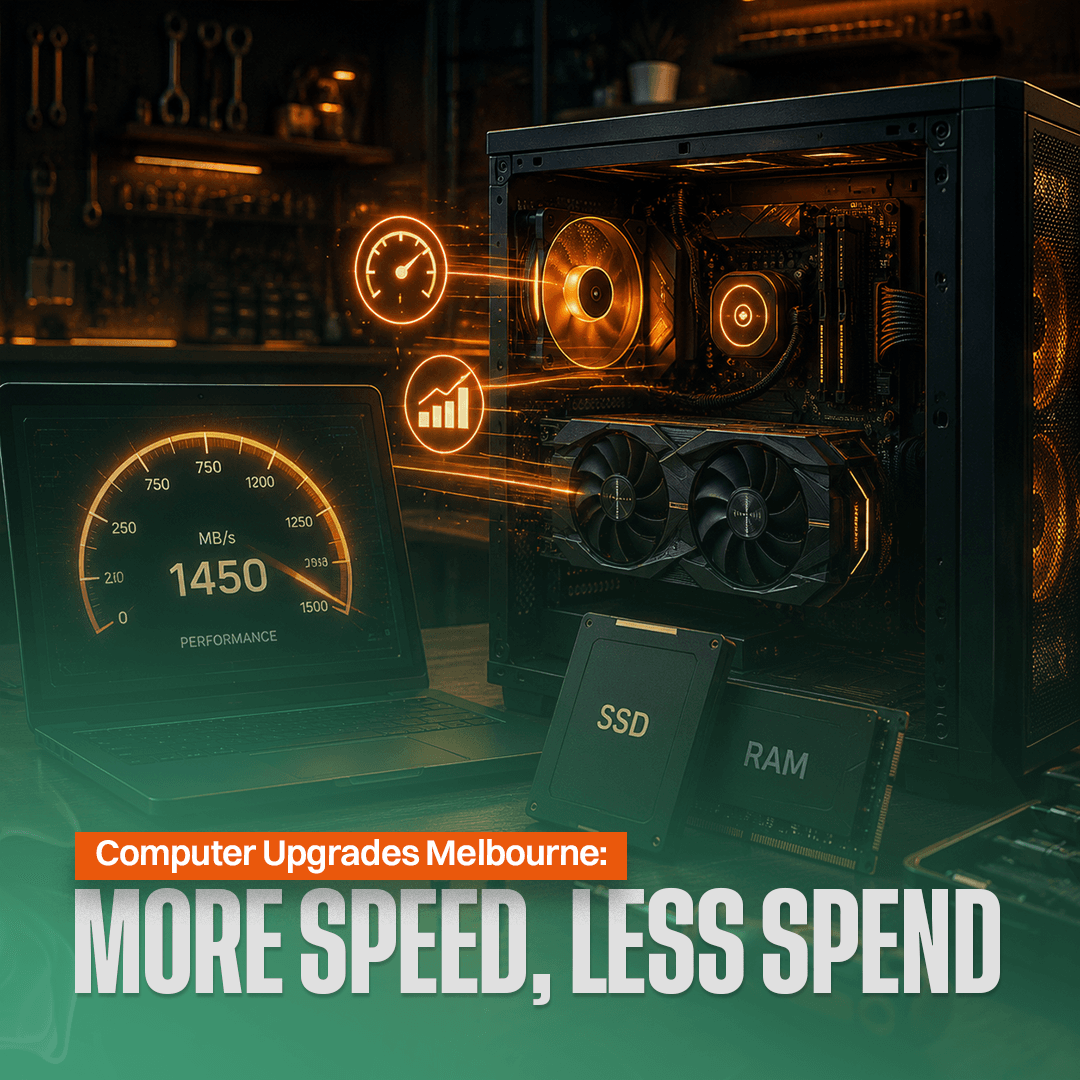
Well-planned computer upgrades can make an ageing machine feel fast again for far less than the cost of buying a new computer. Computer upgrades Melbourne services add years to your desktop or laptop, with an SSD upgrade alone dropping boot times from 60 seconds to just 5 seconds. Mechanical hard drives write at 100 MB per second while solid-state drives achieve 300 to 500 MB per second, and NVMe drives reach far higher speeds.
Here is which upgrades give the best value, what they cost, and how professional installation removes the risks of DIY.
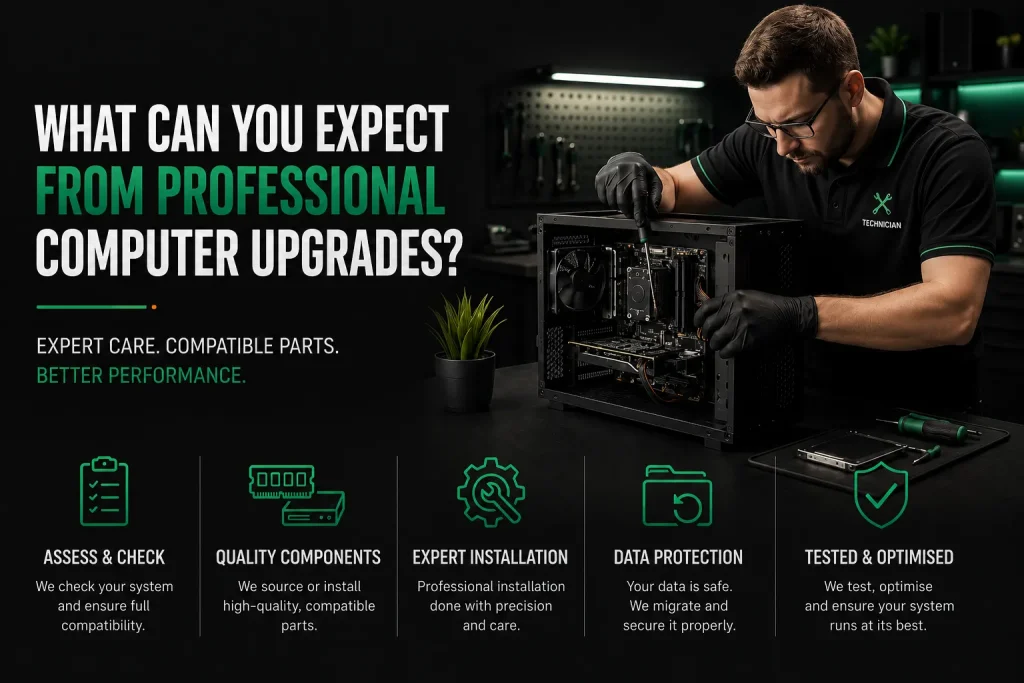
Key Upgrades at a Glance
- An SSD upgrade alone drops boot times from 60 seconds to just 5 seconds and makes applications launch near-instantly, delivering the single biggest performance boost for any computer.
- A RAM upgrade from 4GB to 16GB eliminates freezing during multitasking, with most installations completed on site in under 30 minutes.
- Professional installation ensures compatibility, prevents static damage to components, and includes a 30-day service guarantee on all labour.
What Can You Expect From Professional Computer Upgrades?
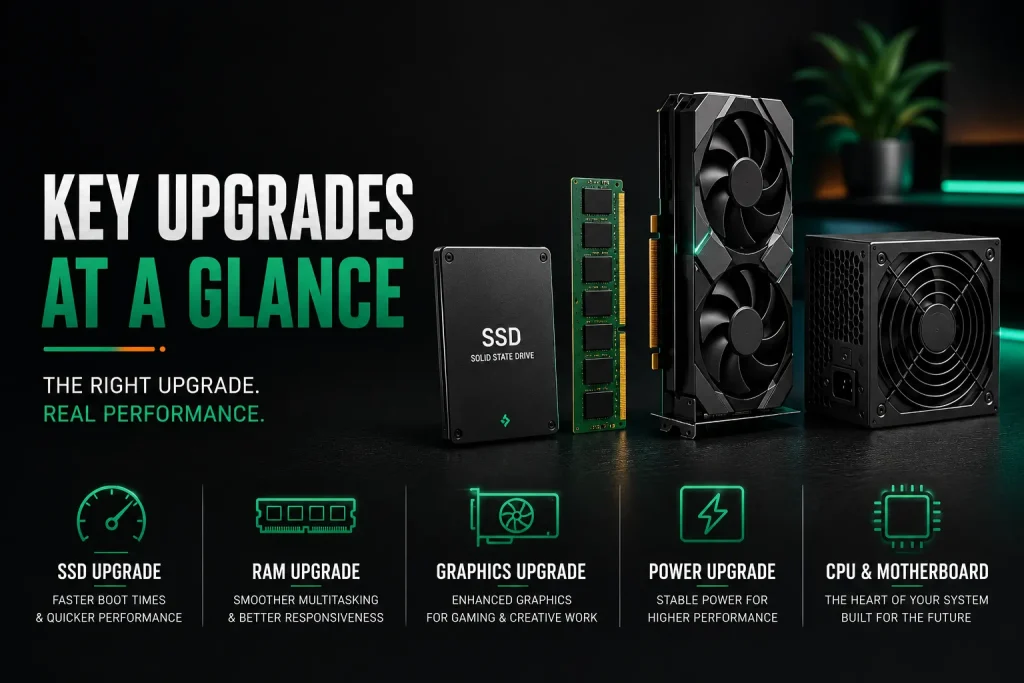
A computer technician begins every computer upgrade by checking your hardware and confirming the new parts are fully compatible with your system. They source components or install what you have bought. The upgrade is done on site, with data moved for an SSD upgrade. Most hardware installation jobs finish in 30 to 90 minutes.
Labour starts at $168 for the first hour including travel. A free quote is given before work starts. Many computer retailers in Melbourne offer upgrade services, and mobile services bring the same quality to your home or office. Local retailers recommend checking compatibility before any computer upgrade.
Which Computer Upgrades Give the Biggest Performance Boost?
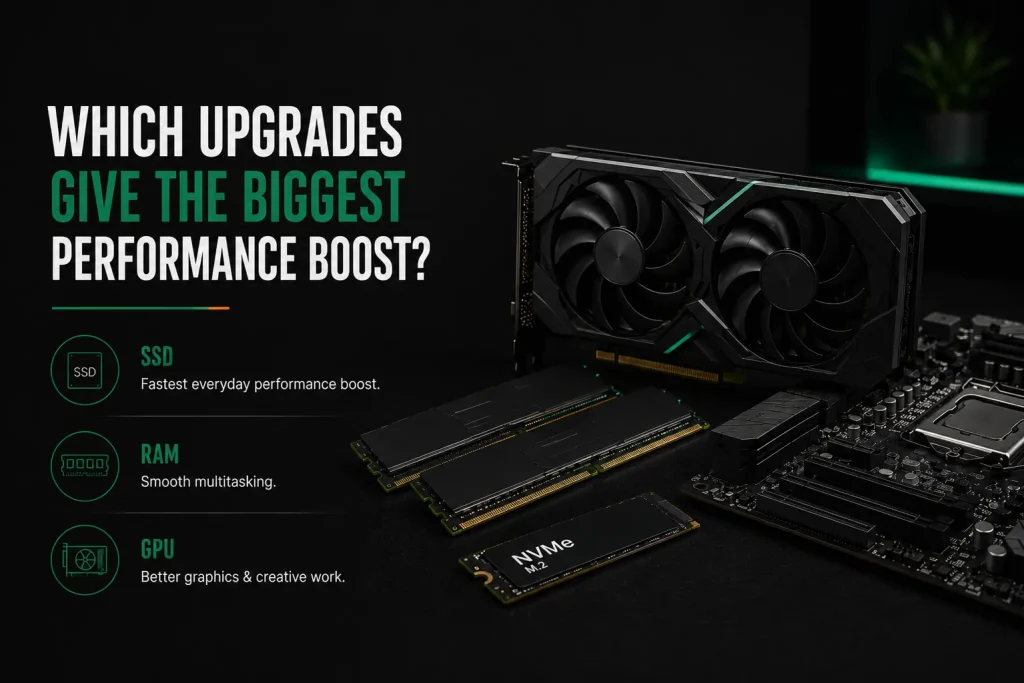
An SSD upgrade gives the biggest boost for all users. A RAM upgrade comes next if your system has less than 8GB. A graphics card upgrade helps gamers and video editors. Mid-range GPUs suit most users while high-tier graphics cards are very expensive.
Not all upgrades are worth the same money. Some cost a little and change everything about how your computer feels. Others cost a lot and only help certain users. A solid state drive upgrade is the single most impactful computer upgrade for any machine still using a mechanical hard drive.
Windows 11 needs around 4GB of RAM. Upgrading to 16GB is ideal for multitasking with apps like Zoom and Teams. Most laptops slow down after 3 to 4 years of use, but the right upgrade makes them feel like a new computer.
| Upgrade Type | Impact | Best For | Typical Cost Installed |
| HDD to SSD Upgrade | Very High | All users | $150–$400 |
| RAM Upgrade to 16GB | High | Users with 4GB or less | $80–$250 |
| Graphics Card Upgrade | High | Gamers, video editors | $500–$1,500 |
| Power Supply Upgrade | Situational | Needed for GPU upgrades | $150–$350 |
| CPU and New Motherboard | Moderate | Very old desktops only | $400–$900 |
Why Is an SSD One of the Best Computer Upgrades?
A mechanical hard drive reads at 80 to 160 MB per second with moving heads. A SATA solid state drive reads at 500 to 550 MB per second with no moving parts. An NVMe SSD drive reaches 2,000 to 7,000 MB per second. The speed gap is not subtle.
Everything loads, saves, and launches dramatically faster, which is why SSDs are among the most popular computer upgrades for home and business users. The processor works at full speed instead of waiting for the drive. For most users, an SSD upgrade turns an old computer into a speedy machine. Backblaze data shows mechanical drives fail more after four years, making SSD upgrades both a speed and reliability win.
When Do You Need RAM Computer Upgrades?
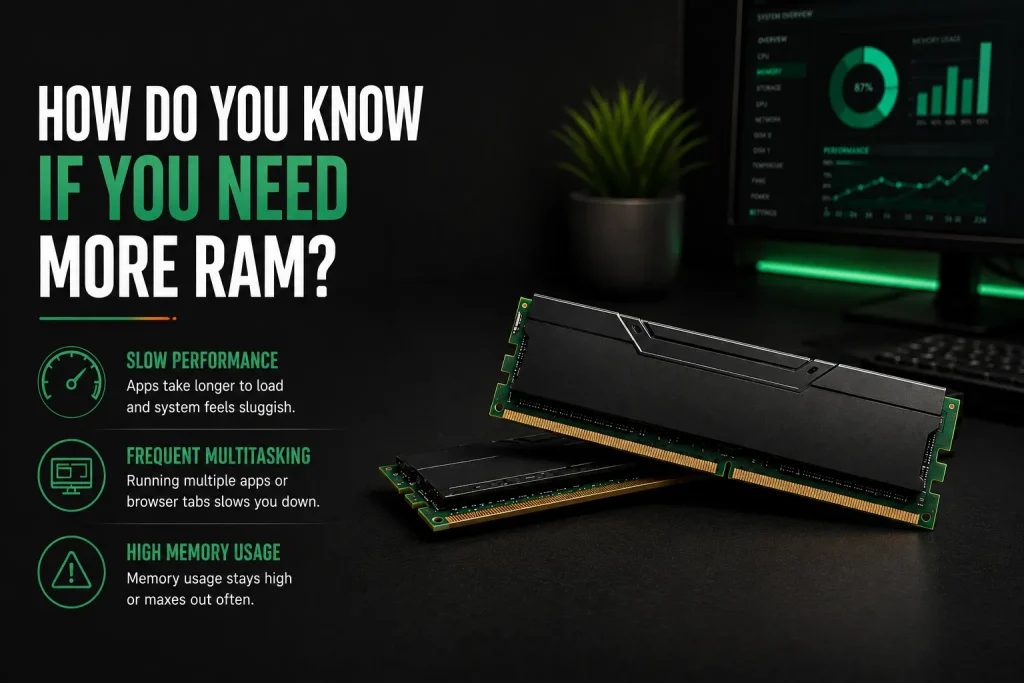
Open Task Manager on Windows and check memory usage during normal work. If it stays above 80 percent, adding more RAM stops freezing when switching between programs. Programs freeze during heavy multitasking. Browser tabs reload when you click back to them.
A slow computer with enough RAM handles many programs smoothly. One short on memory chokes and stutters. A RAM upgrade is the most common computer upgrade after an SSD. More memory means better performance without the system slowing down or freezing during everyday tasks, making RAM one of the most cost-effective computer upgrades available.
Which Computers Can Benefit From Computer Upgrades?
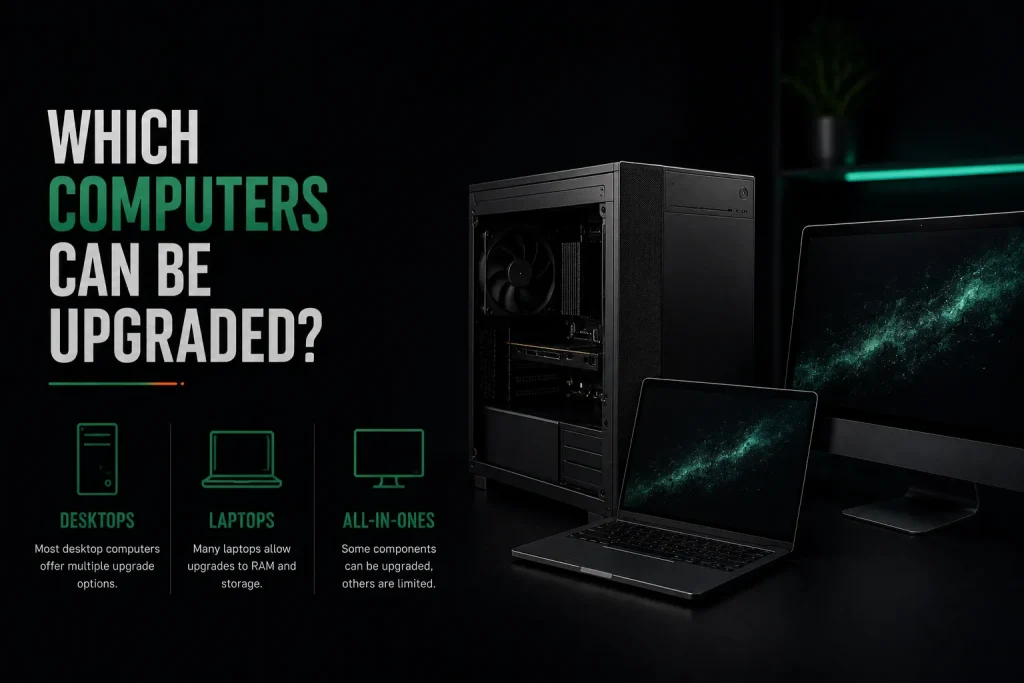
Most desktop computers from the past ten years can take SSD, RAM, and graphics card upgrades. Desktop PCs let you swap most computer hardware including the power supply, graphics card, and motherboard for major computer brands. Most laptops can take an SSD upgrade and sometimes RAM.
Laptops vary widely. Many ultrabooks and all Apple Silicon Macs have RAM and storage soldered in. Mac upgrades on newer models are limited to battery and screen. Computers older than 10 years may not be worth upgrading because other parts are too outdated.
Local computer repair services assess whether upgrading your old computer or buying a new computer makes more sense. A technician checks your exact model before ordering any parts.
How Much Do Computer Upgrades Cost?
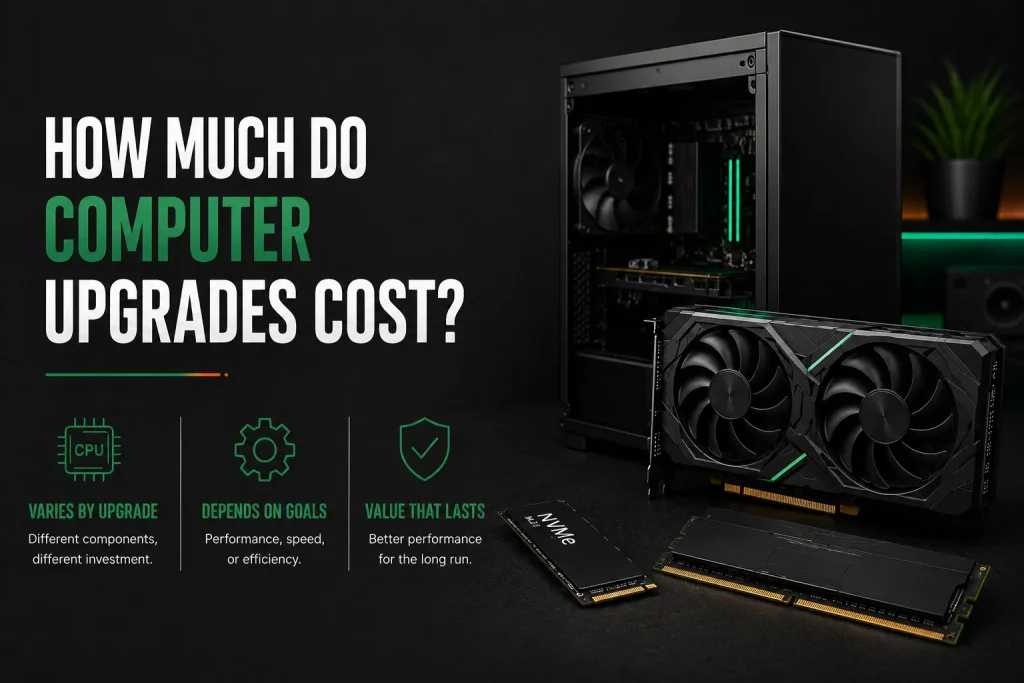
Most computer upgrades start with on-site labour from $168 for the first hour, including travel, with parts quoted separately before any work begins. Most single-part upgrades fit in that hour. Parts cost extra and are quoted before work begins. Many computer retailers in Melbourne offer upgrade services with same day service available.
- 500GB SATA SSD: $60–$100 part, $144–$268 installed
- 1TB NVMe SSD: $100–$180 part, $184–$348 installed
- 16GB DDR4 RAM: $60–$100 part, $144–$184 installed
- Entry graphics card: $400–$600, $568–$852 installed
- Power supply upgrade: $150–$350 installed depending on wattage
- Custom builds and gaming PCs quoted after assessment
Upgrade vs New PC: Which Costs Less?
Compare upgrade cost against a new computer with similar specs after the upgrade. If upgrades cost less than half a new machine and fix your performance problems, upgrading is the better financial choice. A $300 SSD plus RAM upgrade on a 4-year-old laptop beats spending $1,200 on a new PC.
If the processor itself is the bottleneck, replacement makes more sense. A technician providing computer upgrades Melbourne services can give an honest assessment based on your computer’s age, performance, and upgrade potential. For most laptops, an SSD upgrade and RAM upgrade are the only practical computer upgrades available through any upgrade service.
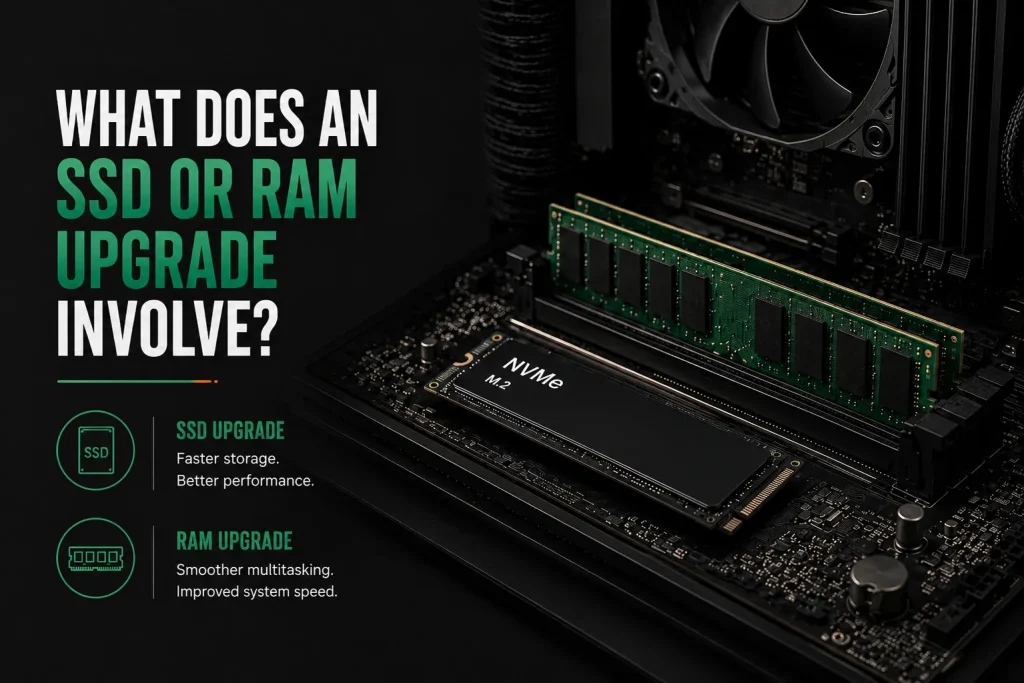
What Does an SSD or RAM Upgrade Involve?
For a desktop, the technician opens the side panel, finds the slots or drive bay, installs the new hardware, and confirms the system sees it. For a laptop, the bottom cover comes off to reach the upgrade slots underneath.
An SSD upgrade on a laptop usually clones the existing drive to the new SSD. The technician connects both drives, runs cloning software, and swaps them. The computer boots exactly the same but much faster. This is why an SSD upgrade is the most popular computer upgrade for desktops and laptops alike.
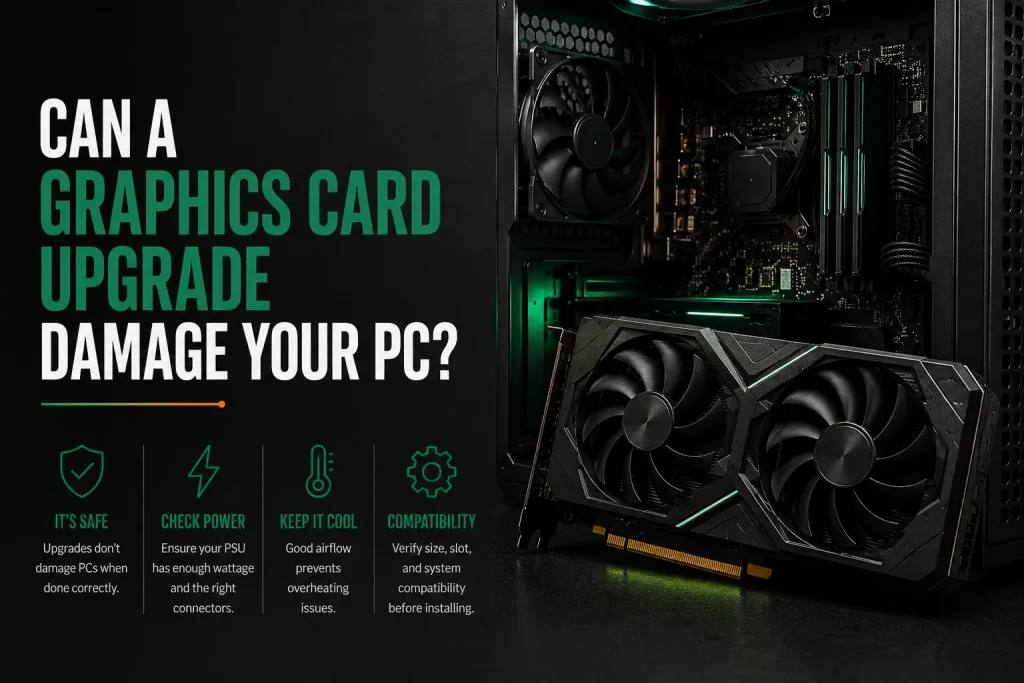
Can a Graphics Card Upgrade Damage Your PC?
A graphics card upgrade is safe when the new card matches a proper power supply, fits the case physically, and the motherboard has the right PCIe slot. A weak power supply with a hungry graphics card causes crashes and can damage components.
The technician calculates total system draw before any hardware installation. A full GPU swap can significantly reduce system temperatures with proper cooling. Professional installation means everything is expertly installed and working together for faster performance and better speed.
Frequently Asked Questions
Will upgrading RAM and SSD void my warranty?
In Australia, upgrading RAM or storage does not void your warranty under the Competition and Consumer Act unless the upgrade itself causes damage. Australian Consumer Law protects your right to repair and upgrade. Many desktop makers design systems with tool-free upgrade access. A professional doing the upgrade adds protection through their service guarantee.
How do I move files and Windows to a new SSD?
Disk cloning copies your operating system, programs, and files from the existing drive to the new SSD. The technician connects both drives, runs cloning software, and swaps them. The computer restarts looking the same but loading faster. The Windows licence moves automatically with your hardware ID or Microsoft account. A clean install removes years of software bloat but needs programs reinstalled.
Can I upgrade a laptop processor like a desktop?
Almost never. Laptop processors are soldered in and cannot be practically replaced. Desktop processors sit in sockets and can swap, though changing generation often needs a new motherboard because Intel and AMD change sockets every few generations. The only practical laptop upgrades are SSD and RAM upgrades on models with open slots.
Is an external GPU enclosure a good option?
An external GPU connects a desktop graphics card to a laptop through Thunderbolt. It speeds up video work and gaming from a desk. Downsides include 10 to 20 percent performance loss, high enclosure cost, and limited portability. For most people, upgrading a desktop internally gives better value for the money.
Does adding RAM help internet speed?
No, RAM does not change internet speed or downloads. Those come from your NBN plan and WiFi quality. What more RAM does is stop the browser slowing down with many tabs open. Each tab uses memory and when RAM runs out the system uses the much slower drive. A computer with enough RAM handles dozens of tabs smoothly.
Why Computer Upgrades Melbourne Services Are Worth It
A well-chosen computer upgrade turns an ageing machine into something fast for much less than a new computer. Extending electronics life keeps them out of landfill. Professional installation removes DIY risks: static damage to computer hardware, wrong parts, and troubleshooting headaches when something does not work.
The technician checks compatibility, handles parts safely, clones data, and tests everything before leaving. Whether you need a RAM upgrade, SSD upgrade for faster performance, or custom builds for gaming PCs, qualified computer technicians handle it all. If you are unsure whether to upgrade or replace, fixing a slow computer costs less than you think.
If your computer needs diagnostics before upgrading, our computer repairs Melbourne team can inspect the issue and recommend the most cost-effective solution.
[Talk to a Melbourne computer upgrade specialist today. Call Nimble Nerds on 02 8091 0815 for a free quote on which upgrades give your computer new life.]
References
- https://www.backblaze.com/cloud-storage/resources/hard-drive-test-data
- https://www.accc.gov.au/consumers/consumer-rights-guarantees/consumer-guarantees
Related Articles
- https://nimblenerds.com.au/how-to-repair-a-slow-computer/
- https://nimblenerds.com.au/local-computer-repair-services/
- https://nimblenerds.com.au/computer-repairs-melbourne/